 ChatGPT
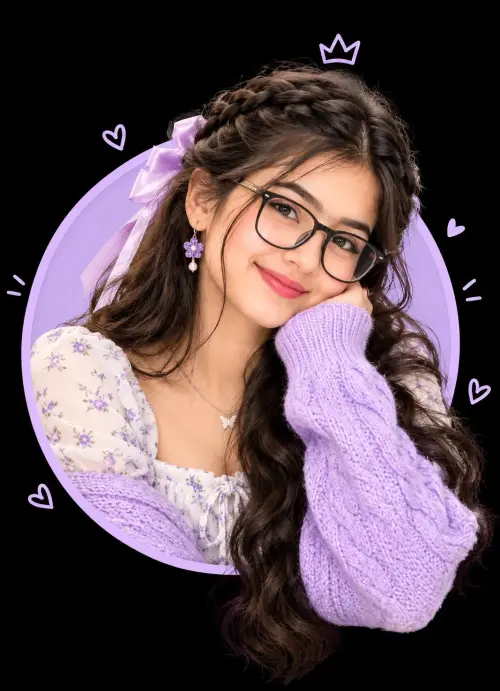
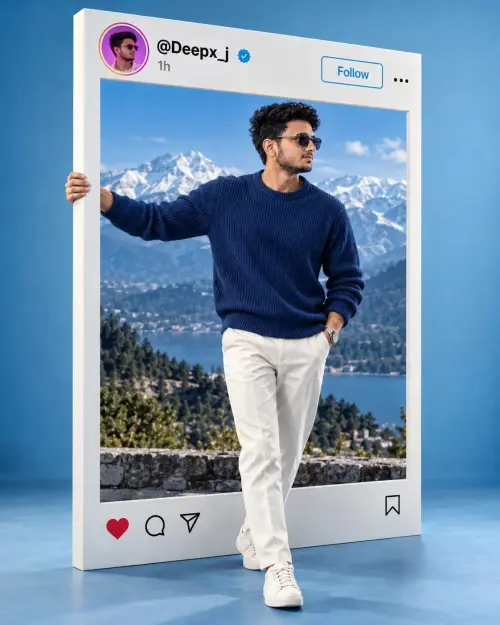
3d instagram profile picture
Social Media
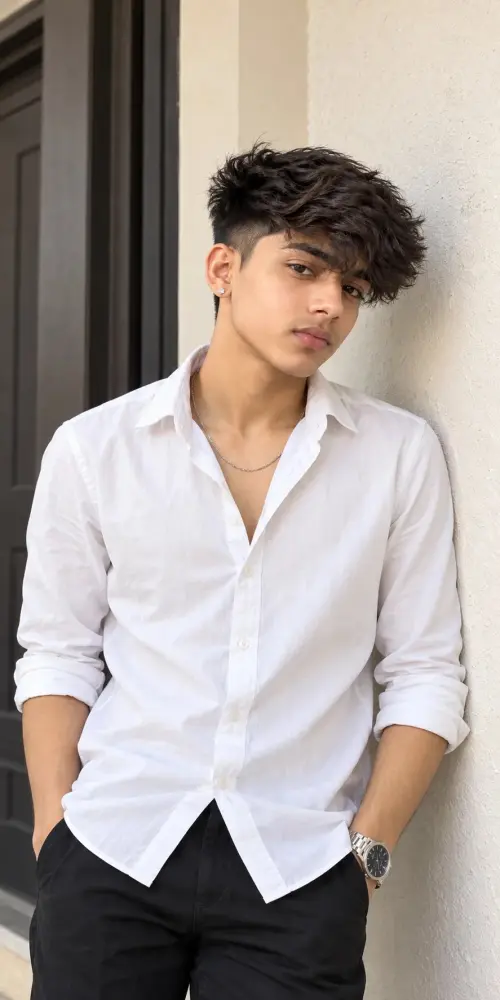
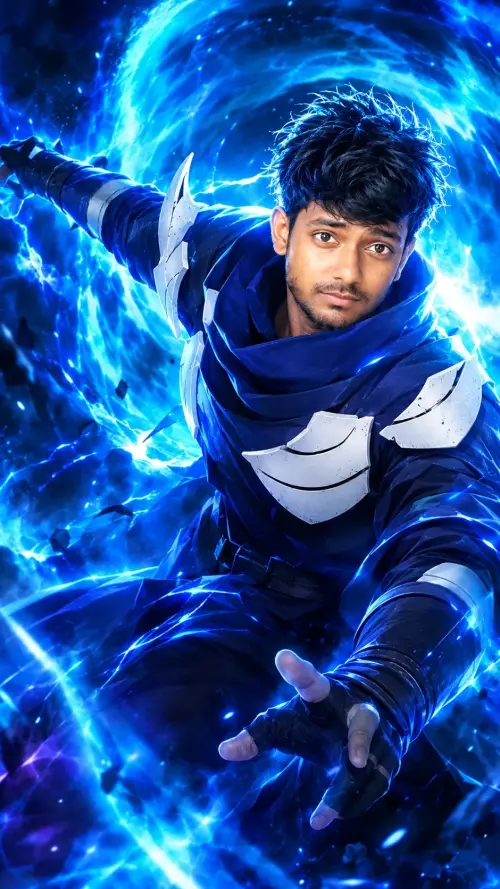
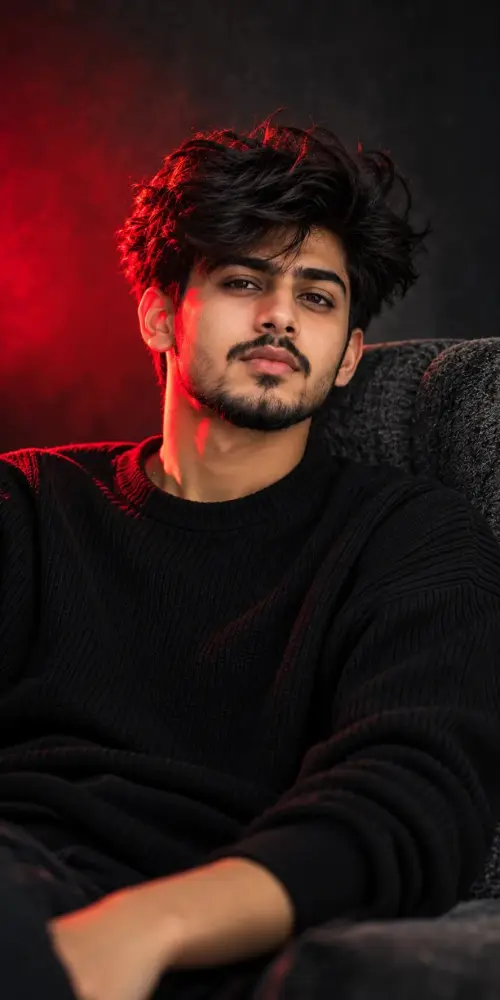
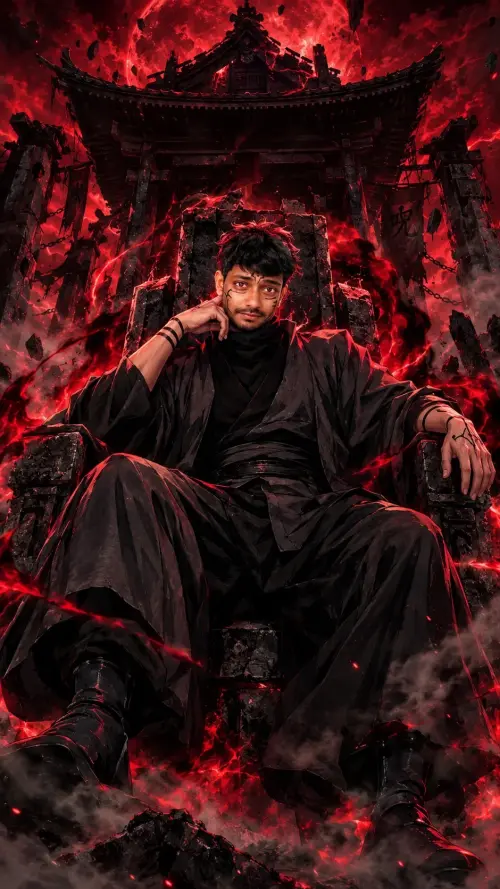
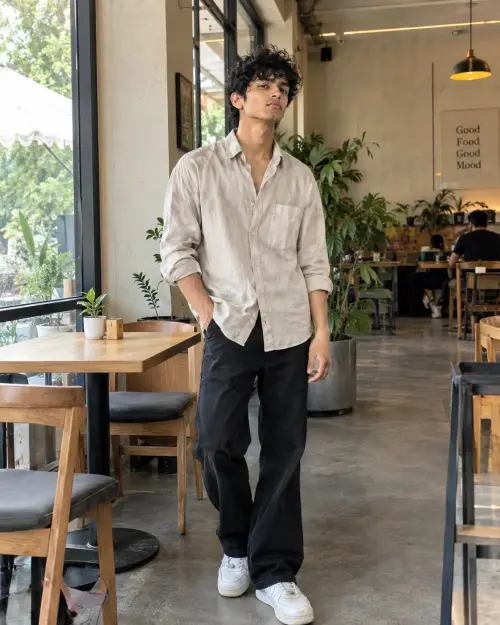
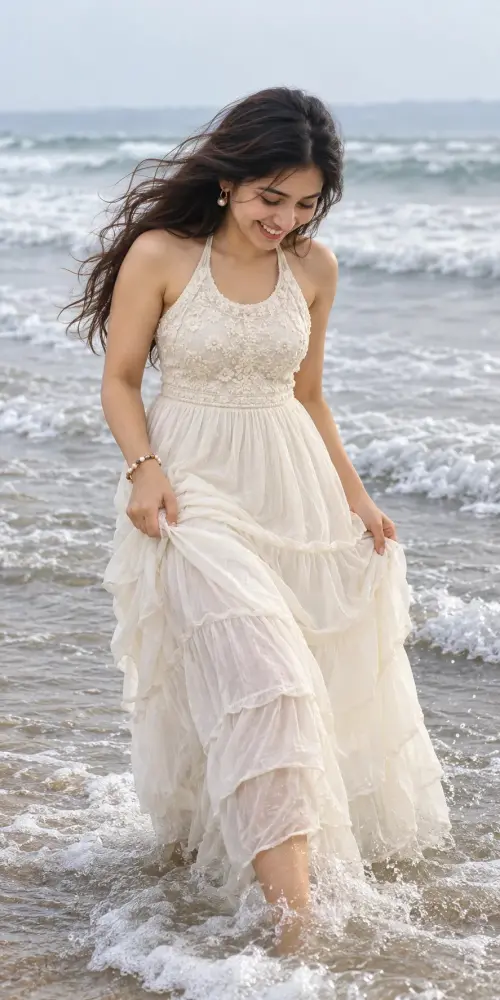
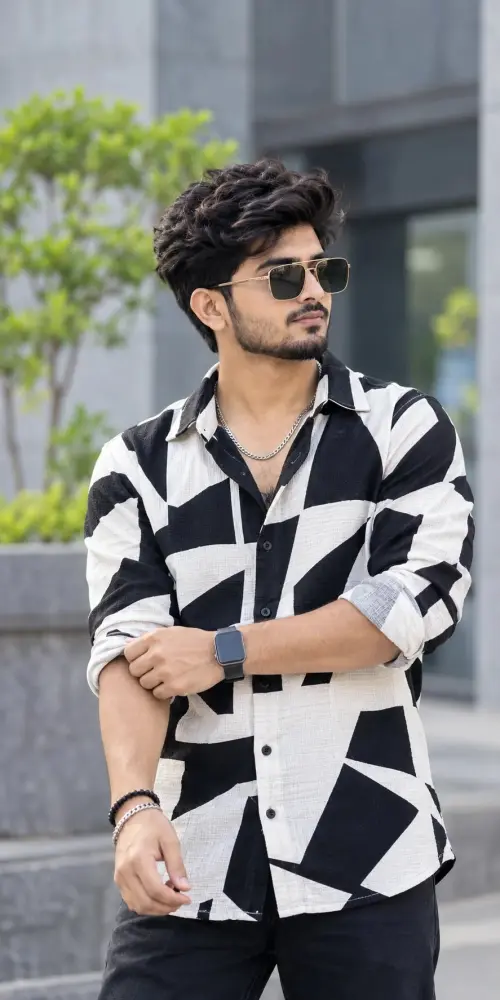
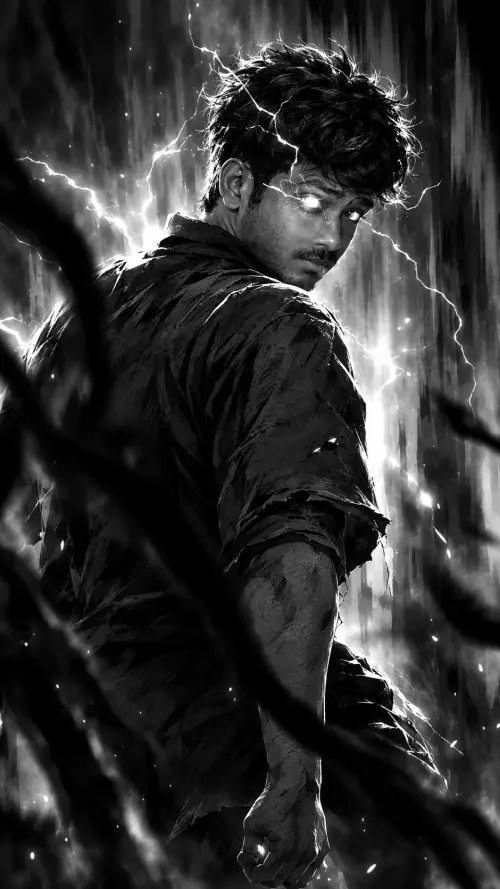
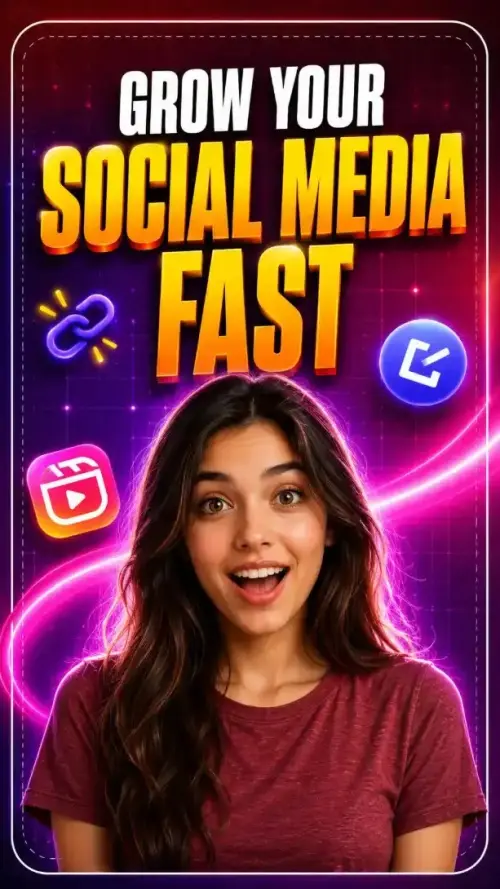
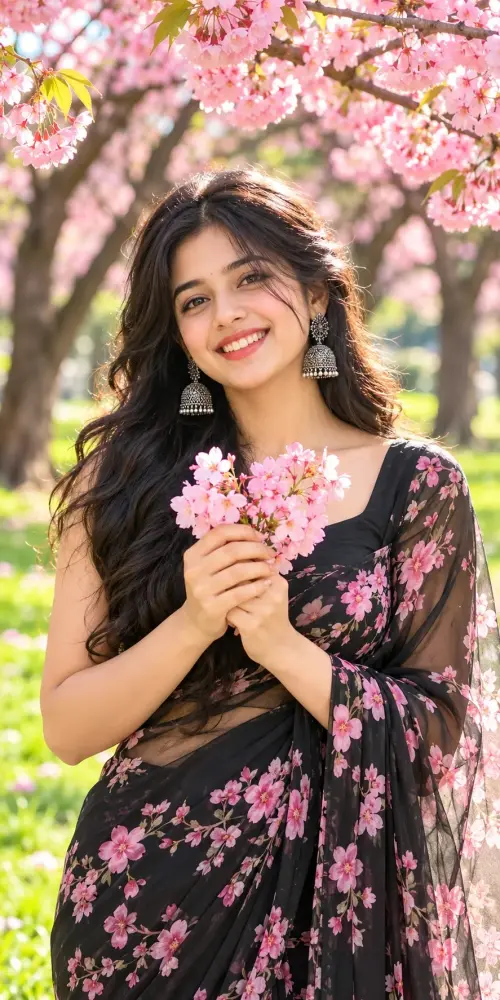
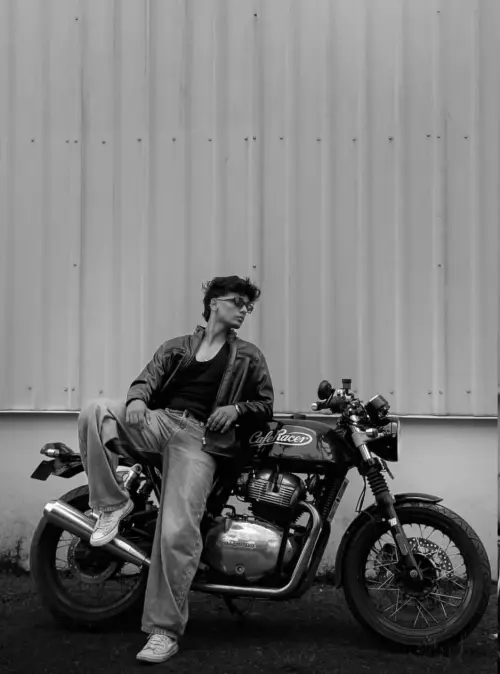
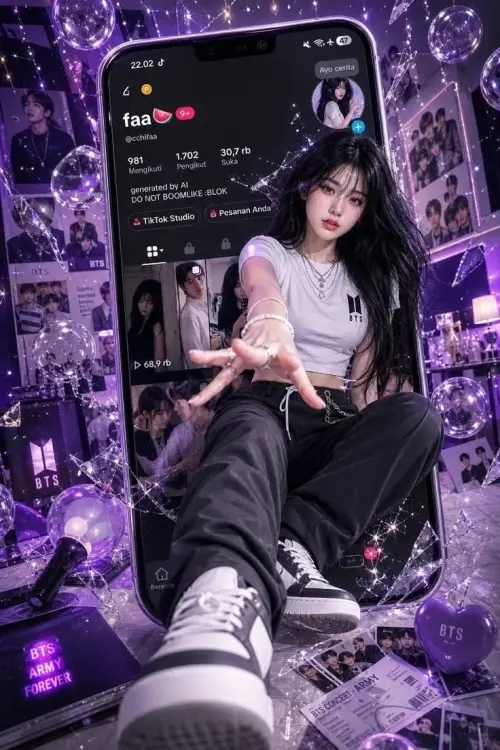
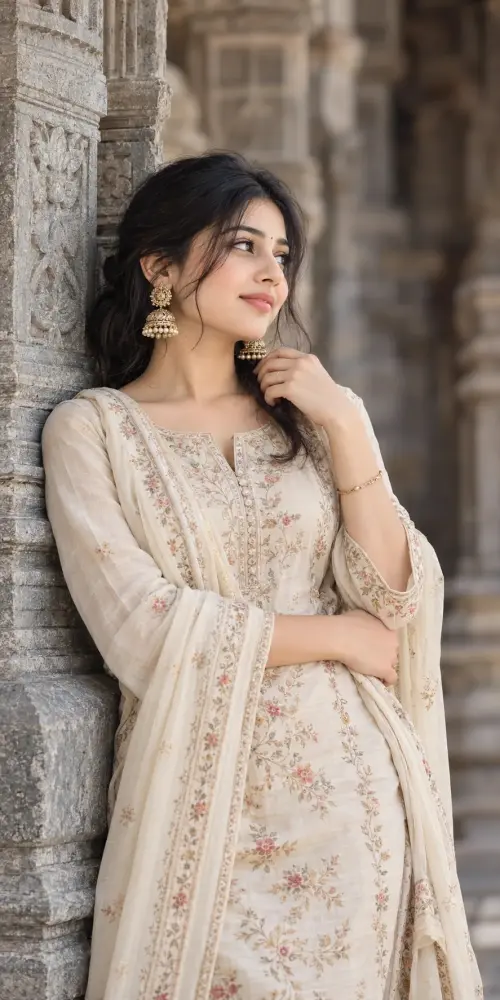
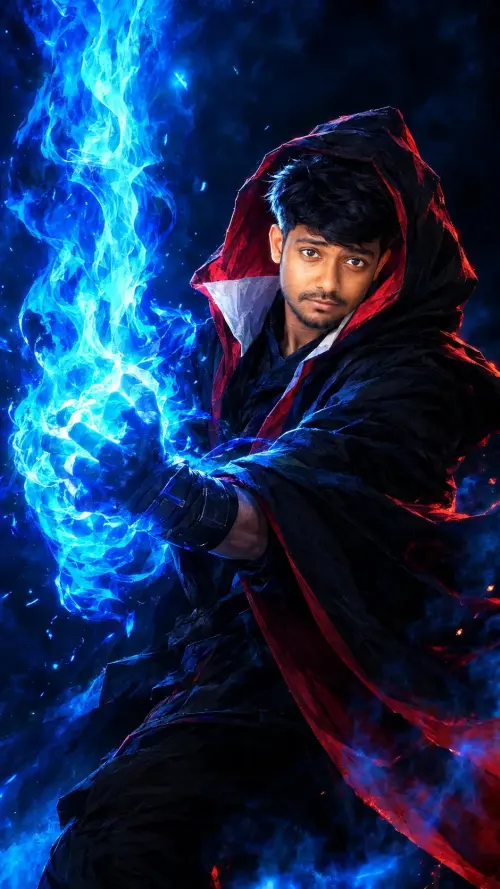
Copy-paste photo editing prompts made for ChatGPT. Upload one clear photo of yourself, paste the prompt, and ChatGPT rebuilds you in a new style, outfit, or place — with your face kept the same.
ChatGPT
Social Media
 ChatGPT
 ChatGPT
 ChatGPT
 ChatGPT
 ChatGPT
 ChatGPT
Social Media
 ChatGPT
 ChatGPT
Social Media
 ChatGPT
 ChatGPT
Social Media
 ChatGPT
Social Media
 ChatGPT
 ChatGPT
 ChatGPT
Social Media
 ChatGPT
Social Media
 ChatGPT
 ChatGPT
 ChatGPT
Social Media
 ChatGPT
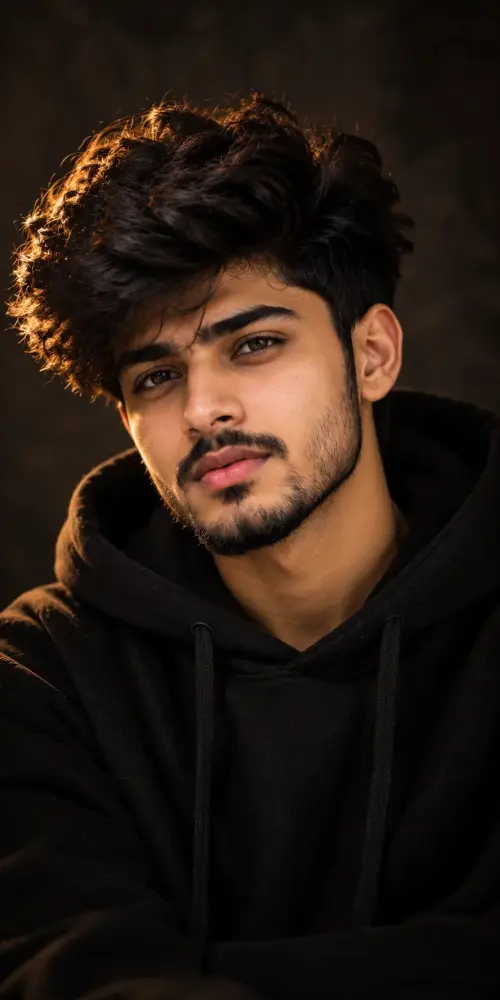
ChatGPT is not just for text. Upload a photo of yourself, paste one of the prompts from this page, and it edits your photo following the instructions: new outfit, new background, new light, new mood. The face in the result is still your face, because every prompt here carries identity lock wording that tells ChatGPT to preserve your exact facial identity.
A bright, front-facing photo with no filter and no sunglasses gives the best result. If the first try is off, regenerate once before you change anything — the second attempt often locks in.
Most prompts shared on social media are short and vague, so ChatGPT guesses half the details and your face drifts. The prompts on Faymas are long and specific on purpose: outfit, light, camera style, and a clear instruction to keep your face unchanged. ChatGPT follows detailed instructions well, and that detail is what protects your face.
Want the full walkthrough? Read our step-by-step guide on how to use a Faymas prompt with your own photo, and the identity lock guide if your face ever comes out different.