 Gemini
Gemini Prompts
Ready-to-paste photo editing prompts for Google Gemini. Upload your own photo, paste a prompt, and get a realistic new look in seconds — your face stays yours.
Gemini
 Gemini
Horse ride.
Fun & Memes
 Gemini
Kuldeep Meena
Photography
 Gemini
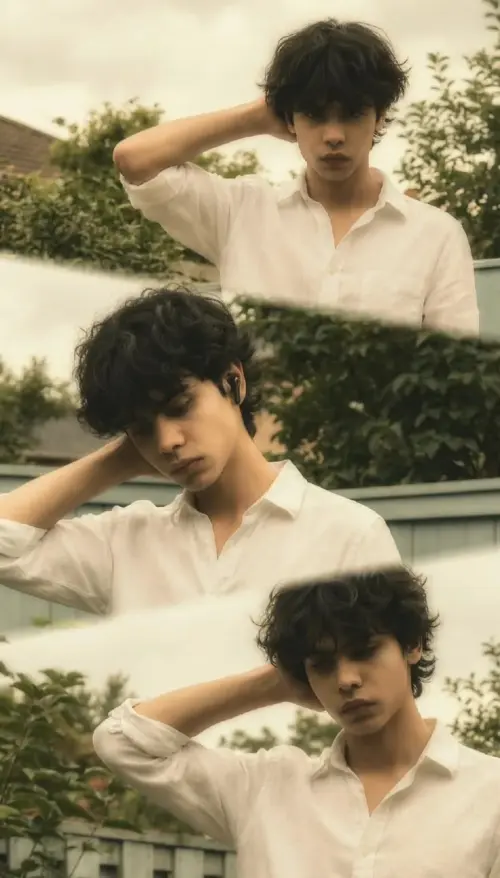
collage of three pose
Photography
 Gemini
Kuldeep Meena
Wallpapers
 Gemini
Dressing sense next level
Photography
 Gemini
 Gemini
 Gemini
Nordic Model with Freckles and Wool Scarf
Photorealistic Portraits
 Gemini
Romantic Crystal Ball Logo
Logo & Identity
 Gemini
 Gemini
 Gemini
Kuldeep Meena
Wallpapers
 Gemini
Vintage Man in White Shirt & Sunglasses.
Illustration & 3D
 Gemini
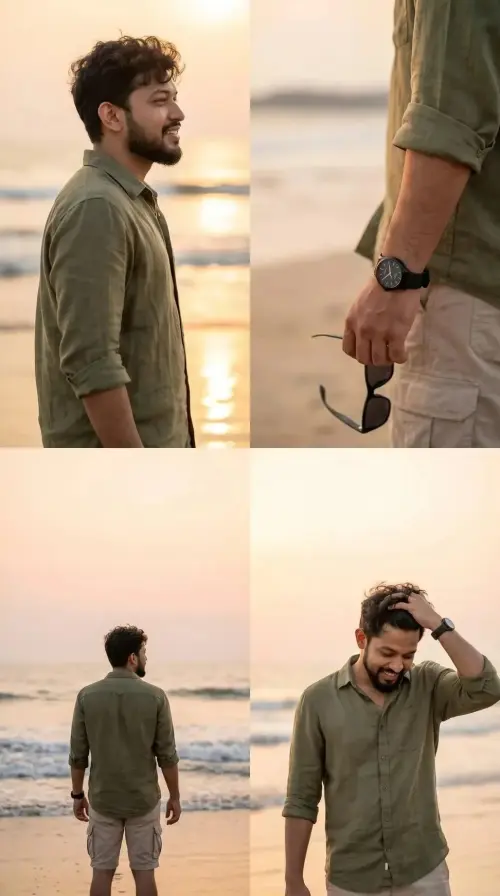
Beach Prompt
Fun & Memes
 Gemini
Warm Minimalist Concrete Villa in Kyoto
Architecture & Interior
 Gemini
 Gemini
Cinematic
Wallpapers
 Gemini
Dramatic Red Lighting Portrait 🥵
UI & Graphic
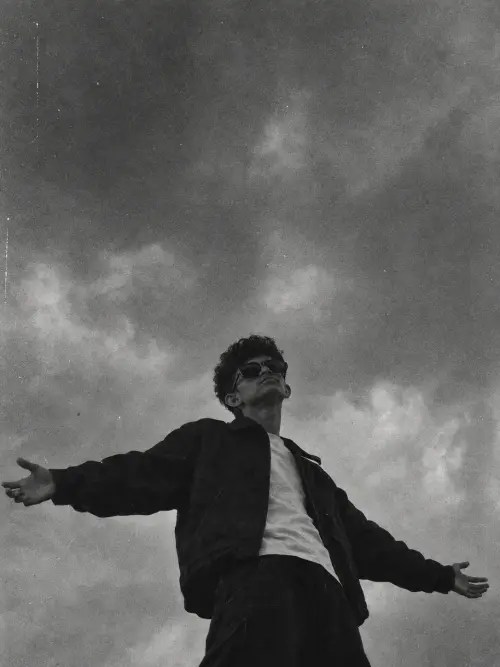 Gemini
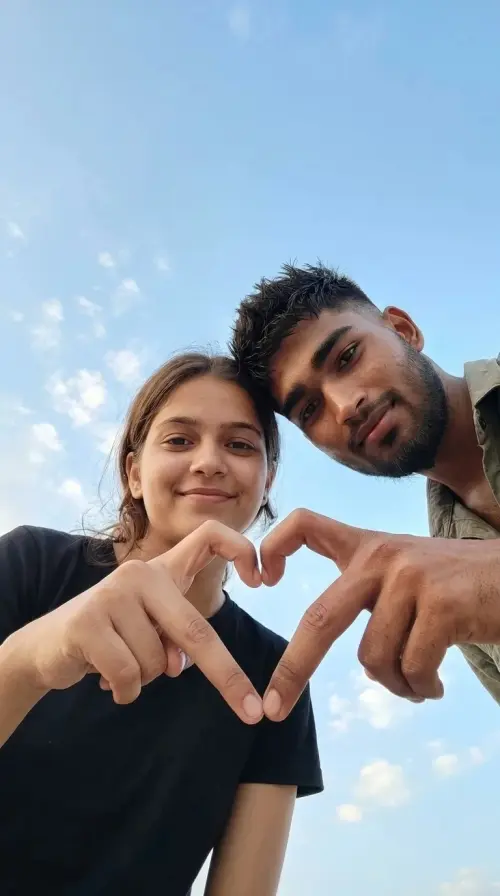
❤️🩹🫵
Poster Design
Gemini Prompts
Gemini Prompts
Why people edit photos with Gemini
Gemini turned phone photos into a playground. One selfie becomes a bike pose in the mountains, a sherwani portrait, a rainy film scene, or a clean studio shot. The prompts on this page are written for exactly that: you supply the face, the prompt supplies the world around it.
How to use a Gemini prompt
- Copy the full prompt from any card in the grid, negative section included
- Open Gemini and upload a clear, bright photo of yourself
- Paste the prompt and send it
- If something small is wrong, reply with a short fix like "same photo, fix the right hand" instead of starting over
Gemini is quick and handles outfit and background changes well. Very long prompts can lose details, so if a result ignores part of the prompt, trim it and keep the identity lock line first.
Gemini or ChatGPT?
Both run every prompt here. Gemini is faster and feels natural for candid, casual styles. ChatGPT tends to follow very long, detailed prompts a little more closely. Our ChatGPT vs Gemini comparison guide breaks down which one suits which job, based on running the same prompts through both.
All prompts below are filtered for Gemini, so you can pick any style and paste it straight in.
Frequently Asked Questions about Gemini Prompts
Yes. Copying prompts from Faymas is free, and Gemini itself offers free photo editing with daily limits that vary.
Upload a clear front-facing photo and use prompts with identity lock wording, like the ones on this page. They instruct Gemini to preserve your exact facial identity while changing everything else.
Shorten the prompt. Keep the identity lock line at the top and the most important outfit and scene details, then run it again. Gemini follows tight, focused prompts best.
Yes. Use a photo where both faces are clear and separated, and pick a couple prompt from the grid. Expect one or two regenerations for the best result.
Yes. The same flow works in the app and on gemini.google.com: upload photo, paste prompt, send, download the result.