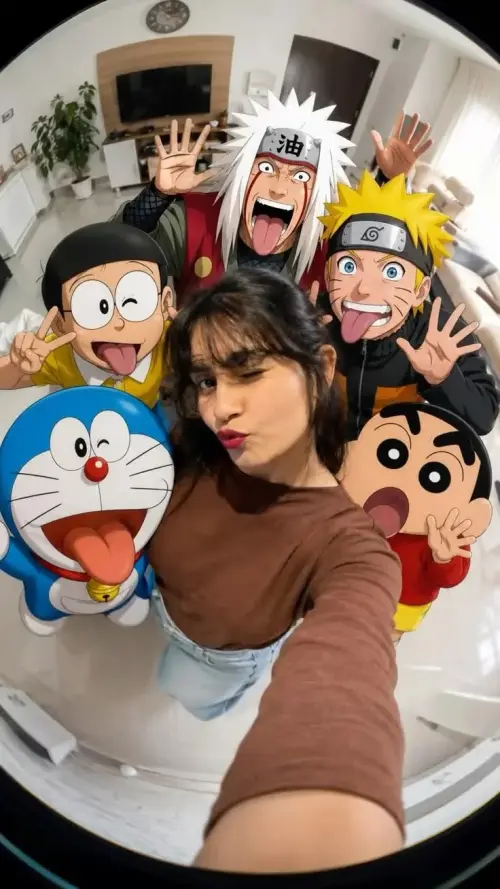
 ChatGPT
ChatGPT Prompts
Copy-paste photo editing prompts made for ChatGPT. Upload one clear photo of yourself, paste the prompt, and ChatGPT rebuilds you in a new style, outfit, or place — with your face kept the same.
ChatGPT
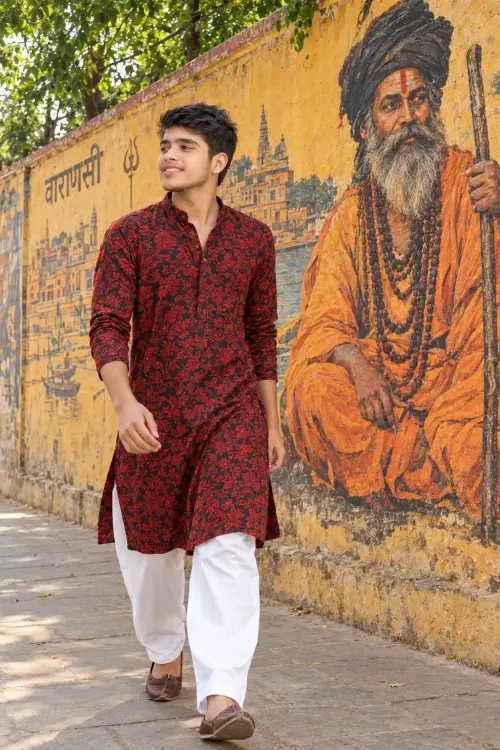 ChatGPT
Reàr
Fun & Memes
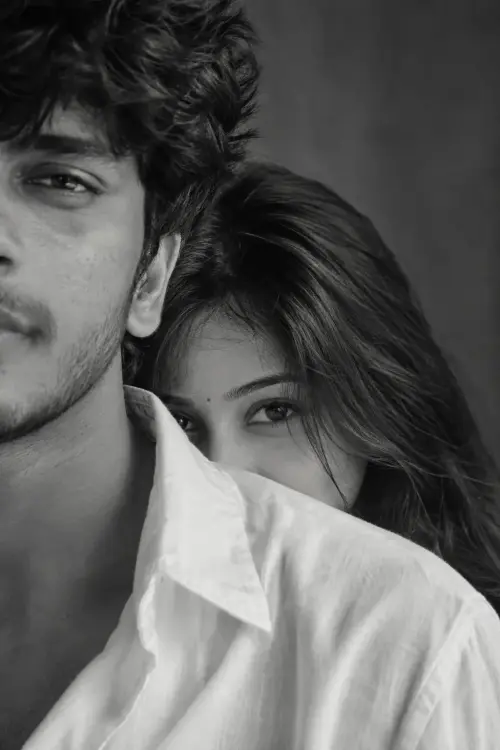 ChatGPT
Girlfriend Prank Prompt
Fun & Memes
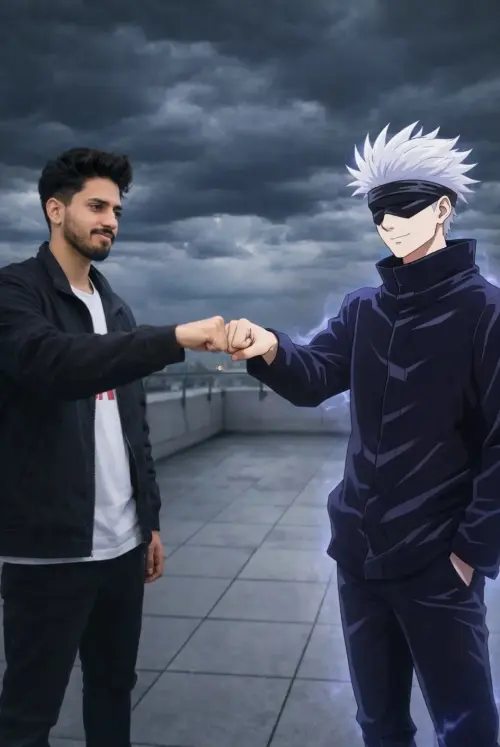 ChatGPT
Gojo Satoru Real-Life Portrait Prompt
Fun & Memes
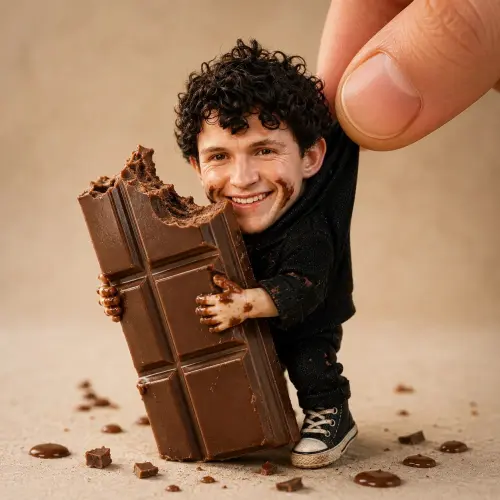 ChatGPT
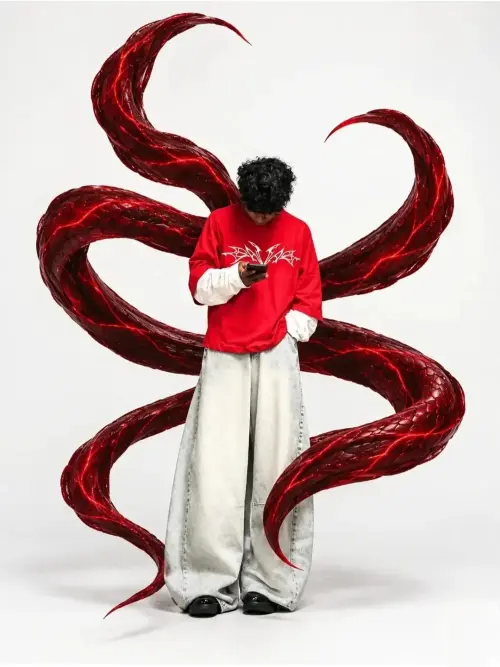 ChatGPT
Large Flowing Red Snakes 🐍
Fun & Memes
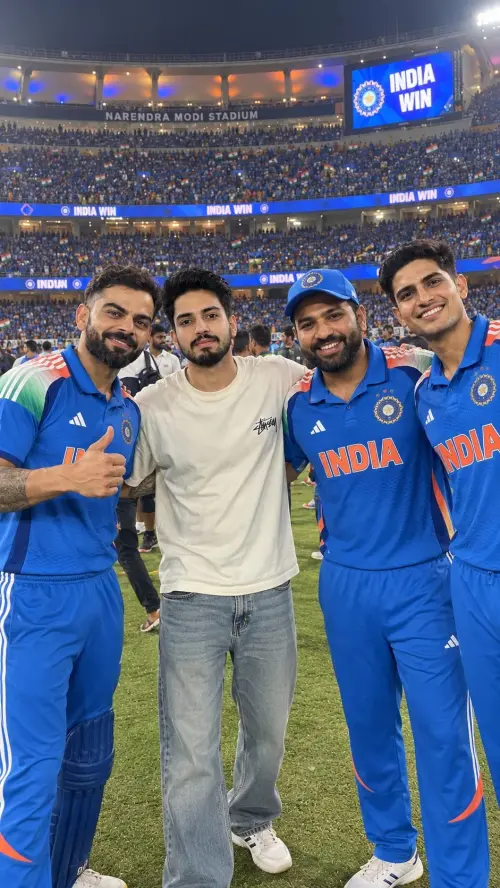 ChatGPT
Professional Click With Indian Team
Fun & Memes
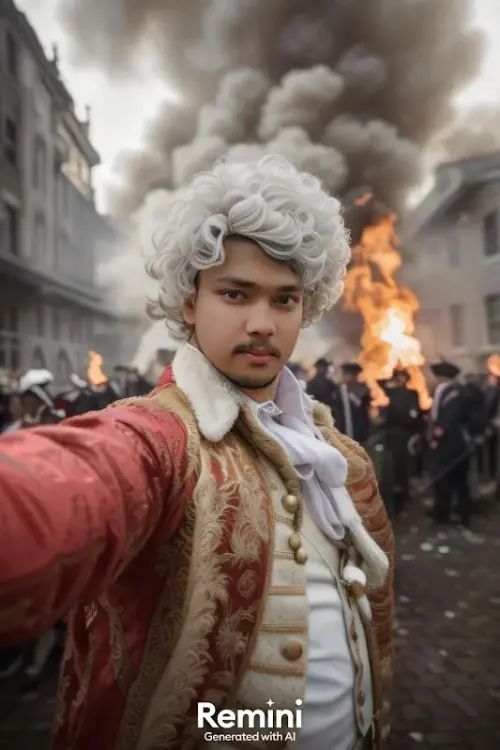 ChatGPT
18th-Century Revolutionary Portrait
Fun & Memes
 ChatGPT
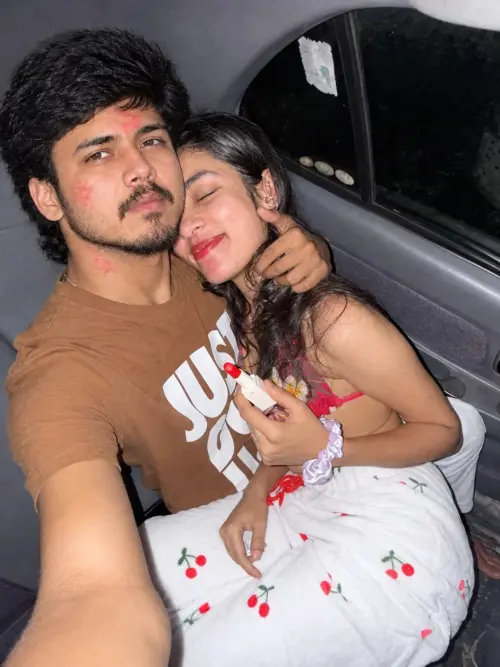
Midnight Car Ride ❤️
Fun & Memes
 ChatGPT
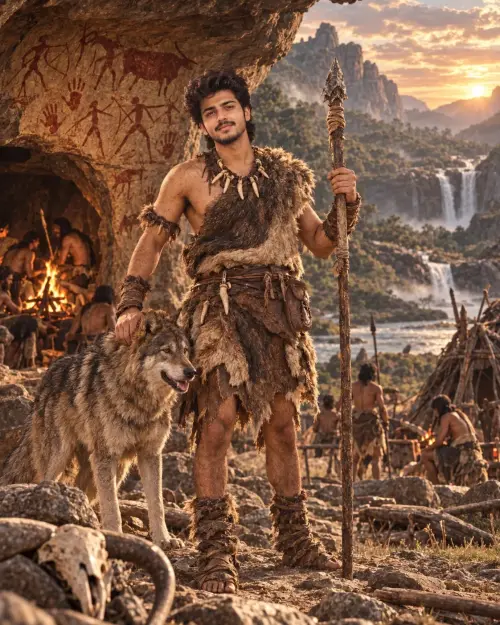
🪨 Aadi Manav
Fun & Memes
 ChatGPT
 ChatGPT
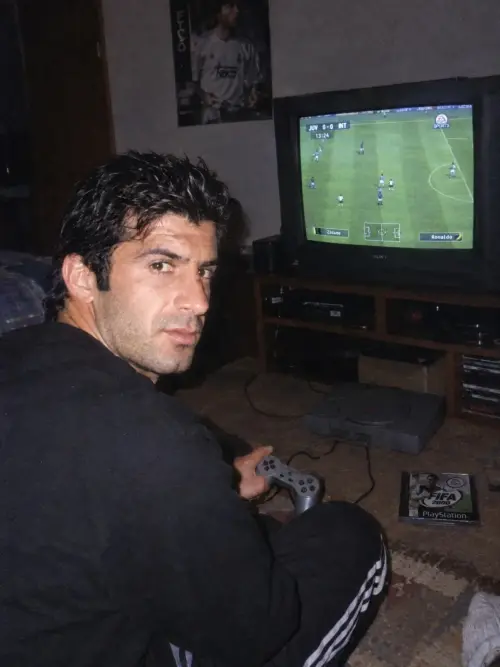
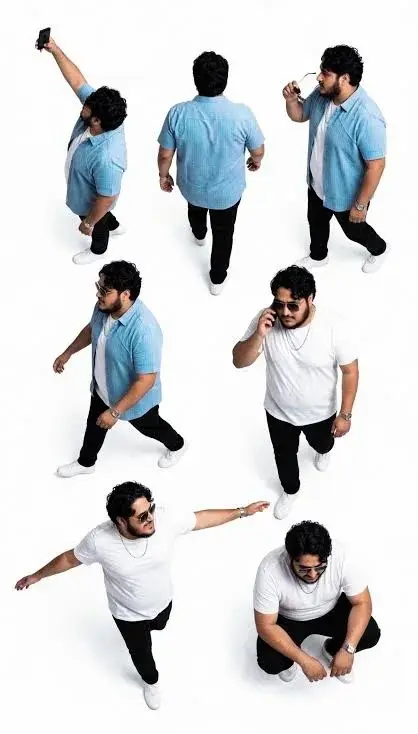
Urban Moves – Effortless Casual Swagger
Fun & Memes
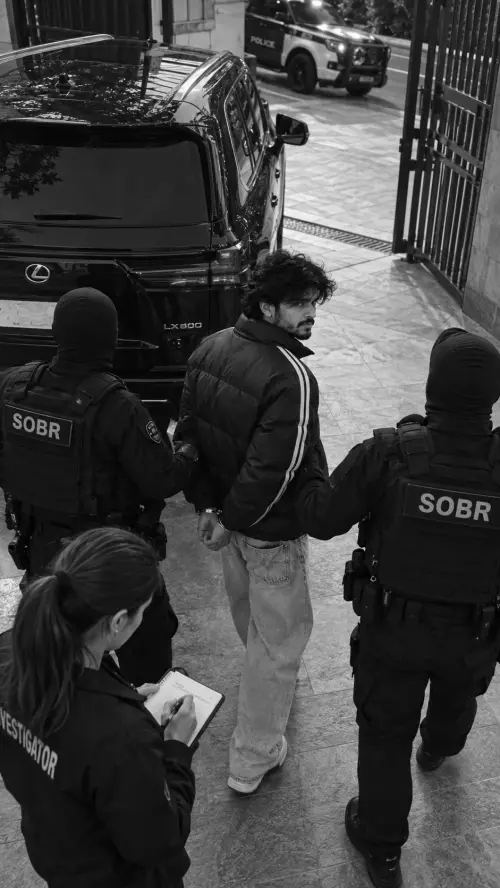 ChatGPT
Viral Police Arrest Prompt
Fun & Memes
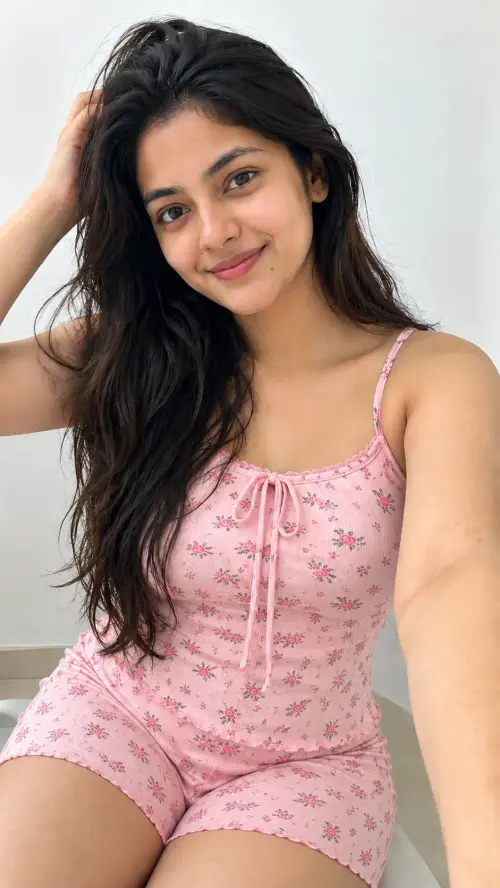 ChatGPT
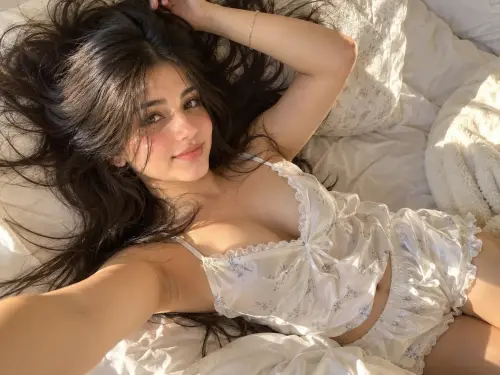 ChatGPT
Lazy Morning Glow 🌸☀️
Fun & Memes
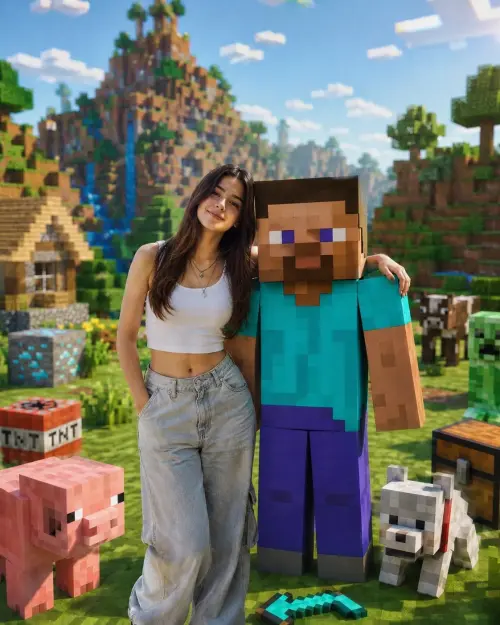 ChatGPT
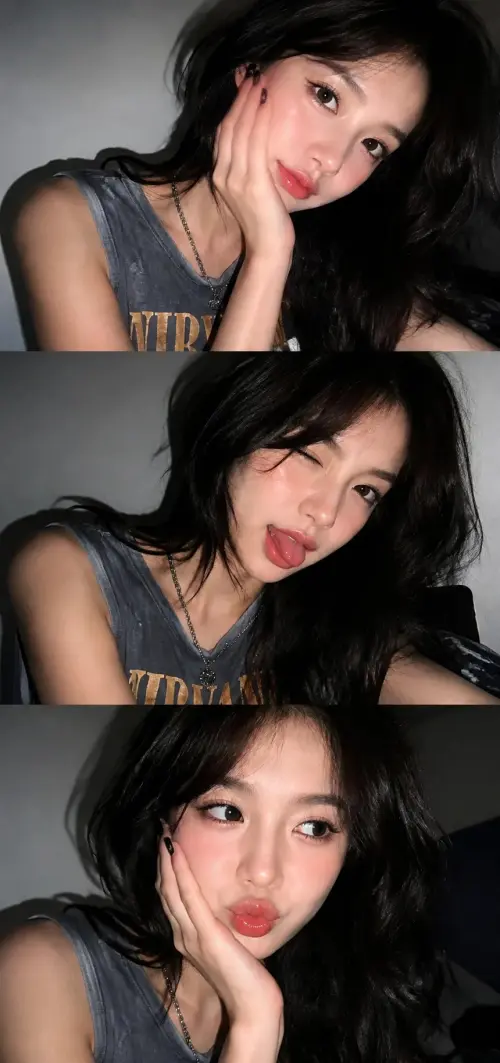 ChatGPT
# Late-Night Flash Selfies
Fun & Memes
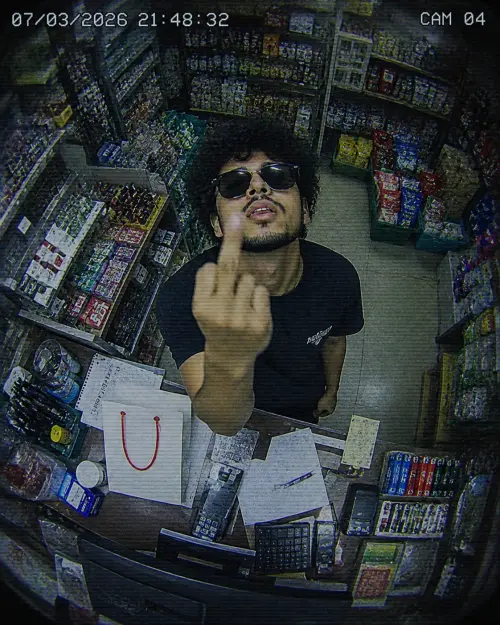 ChatGPT
Late-Night Convenience Store CCTV Gesture
Fun & Memes
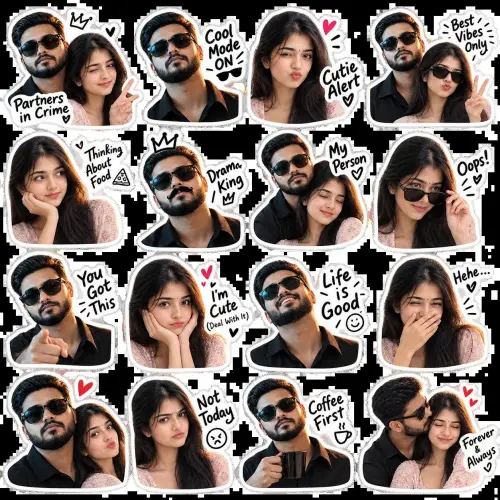 ChatGPT
Funny Couple Reaction Sticker Pack — 16 Poses
Fun & Memes
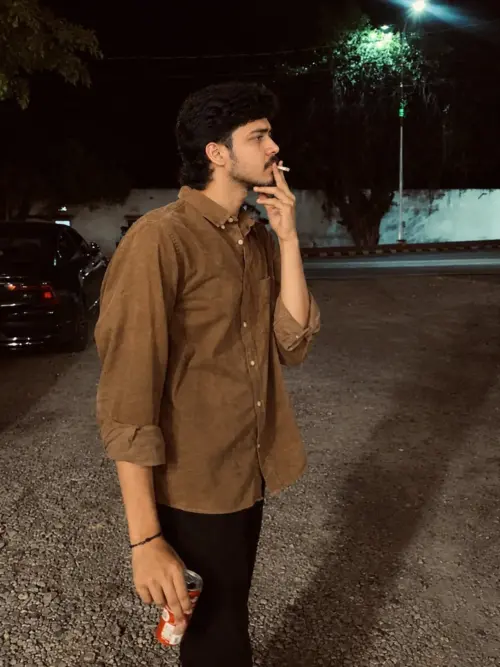 ChatGPT
Moody Night Street Portrait
Fun & Memes
ChatGPT Prompts
ChatGPT Prompts
How ChatGPT photo prompts work
ChatGPT is not just for text. Upload a photo of yourself, paste one of the prompts from this page, and it edits your photo following the instructions: new outfit, new background, new light, new mood. The face in the result is still your face, because every prompt here carries identity lock wording that tells ChatGPT to preserve your exact facial identity.
How to use a prompt
- Pick a prompt from the grid and copy the full text, including the negative prompt at the end
- Open ChatGPT, start a new chat, and upload a clear photo of yourself
- Paste the prompt under the photo and send
- Check the face, hands, and edges, then download at full size
A bright, front-facing photo with no filter and no sunglasses gives the best result. If the first try is off, regenerate once before you change anything — the second attempt often locks in.
Why these prompts work better
Most prompts shared on social media are short and vague, so ChatGPT guesses half the details and your face drifts. The prompts on Faymas are long and specific on purpose: outfit, light, camera style, and a clear instruction to keep your face unchanged. ChatGPT follows detailed instructions well, and that detail is what protects your face.
Want the full walkthrough? Read our step-by-step guide on how to use a Faymas prompt with your own photo, and the identity lock guide if your face ever comes out different.
Frequently Asked Questions about ChatGPT Prompts
Yes. Every prompt on this page is free to copy and use with your own photo in ChatGPT. You do not need an account on Faymas to copy a prompt.
No. Photo editing works on the free plan too, though free accounts have daily limits that change from time to time. Paid plans give you more generations per day.
Yes, if you upload a clear photo. These prompts include identity lock wording that tells ChatGPT to preserve your exact facial identity. Use a bright, front-facing photo with no filter for the best face match.
Regenerate once with the same photo and prompt. If the face still drifts, swap in a clearer selfie. Most bad results come from dark or filtered upload photos, not from the prompt.
Yes, the couple prompts are written for two people. Use a photo where both faces are clear and not overlapping, and expect a couple of tries for the best result.