 ChatGPT
Back to All Prompts
ChatGPT
•
9:16
Product & Brand
by Alex Rivera
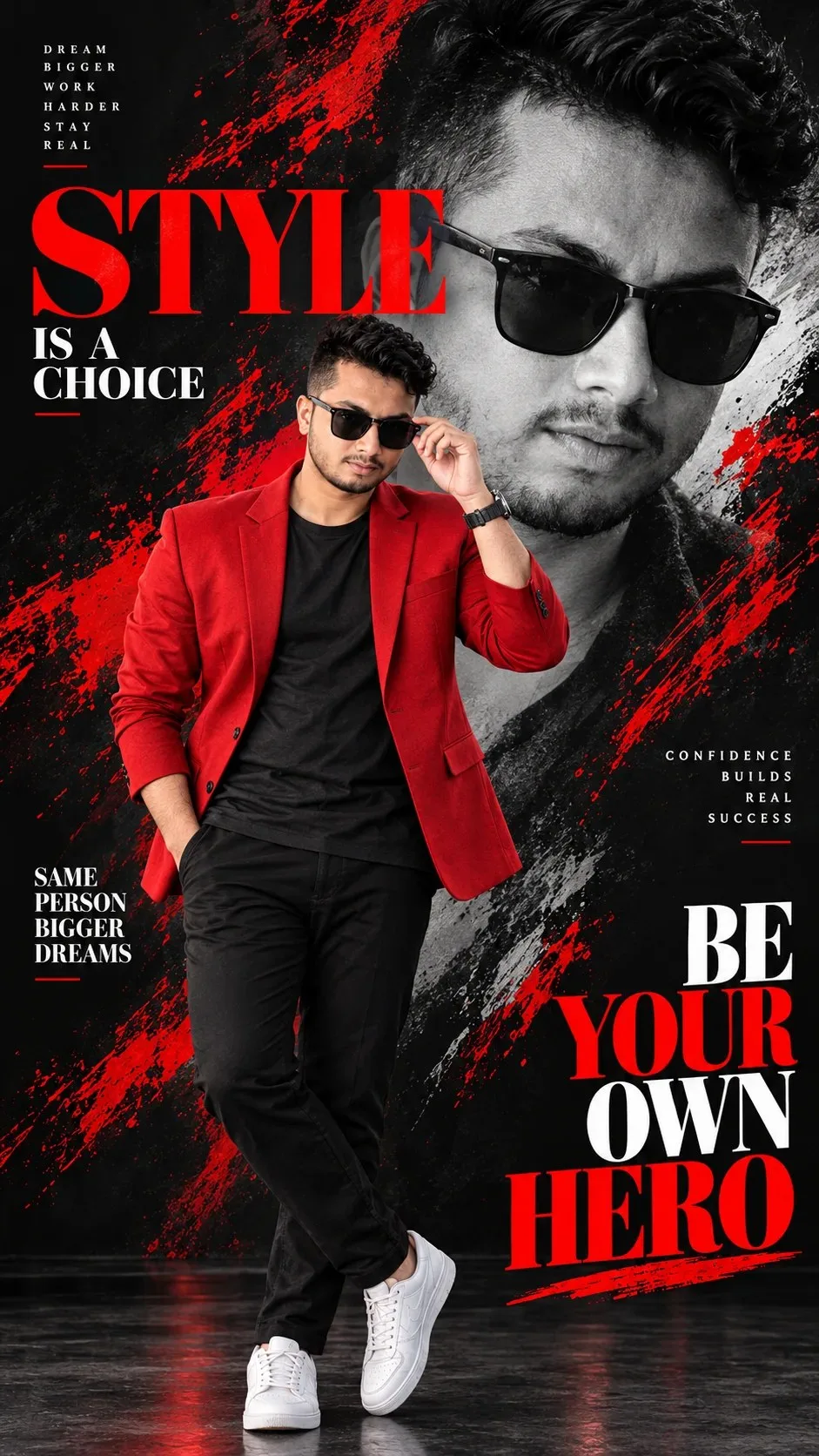
🔥 Red & Black Luxury Fashion
Exact Prompt Recipe
Scroll to read more
Scroll for more
App: ChatGPT
Ratio: 9:16
Suggested Prompts
More in Product & Brand →
ChatGPT
 ChatGPT
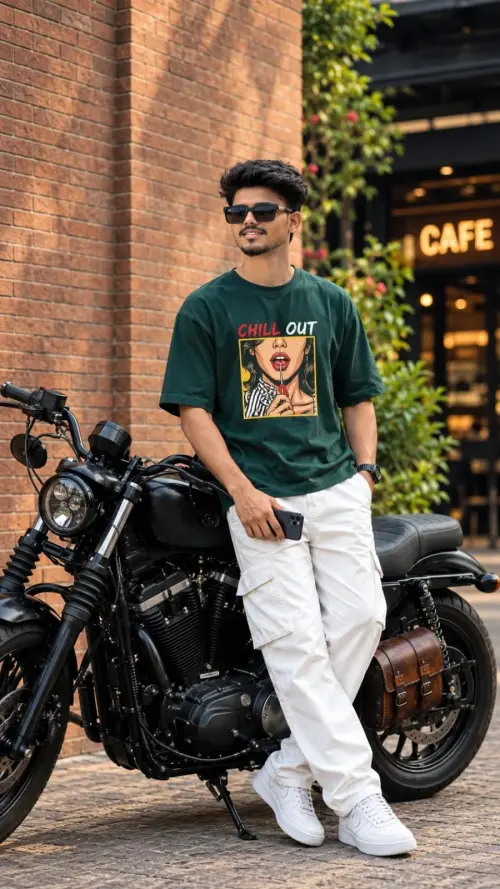
Tailored Heritage with Falcon
Product & Brand
 ChatGPT
Kuldeep Meena
Product & Brand
 ChatGPT
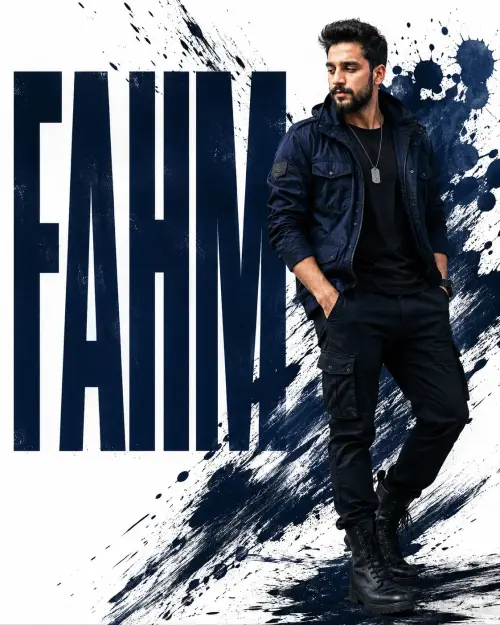
Fahm: bold in urban style
Wallpapers
 ChatGPT
Crimson Red Cinematic Portrait
Wallpapers

Photo Reproduction Guide
How to Recreate This Photo in ChatGPT
Follow this quick 4-step workflow to generate an identical visual style using the exact parameters tested for 🔥 Red & Black Luxury Fashion.
1
Copy the Recipe
Click the Copy Full Prompt button above. All key descriptors, lighting commands, and lens tags are copied directly to your clipboard.
2
Open ChatGPT
Open your ChatGPT app or web interface (e.g. ChatGPT chat, Bing Image Creator prompt bar, or Midjourney Discord).
3
Set 9:16 Ratio
Set your canvas size to 9:16. This gives you the natural composition shown above.
4
Customize Subject
Want your own face or a different subject? Simply change the character description or hair/clothing while keeping the lighting and camera tokens intact!
Pro Tip:
To maintain this exact lighting in ChatGPT, keep the camera, aperture, and lighting keywords unmodified.