 ChatGPT
Grok
3:4
By Muhammad Amir
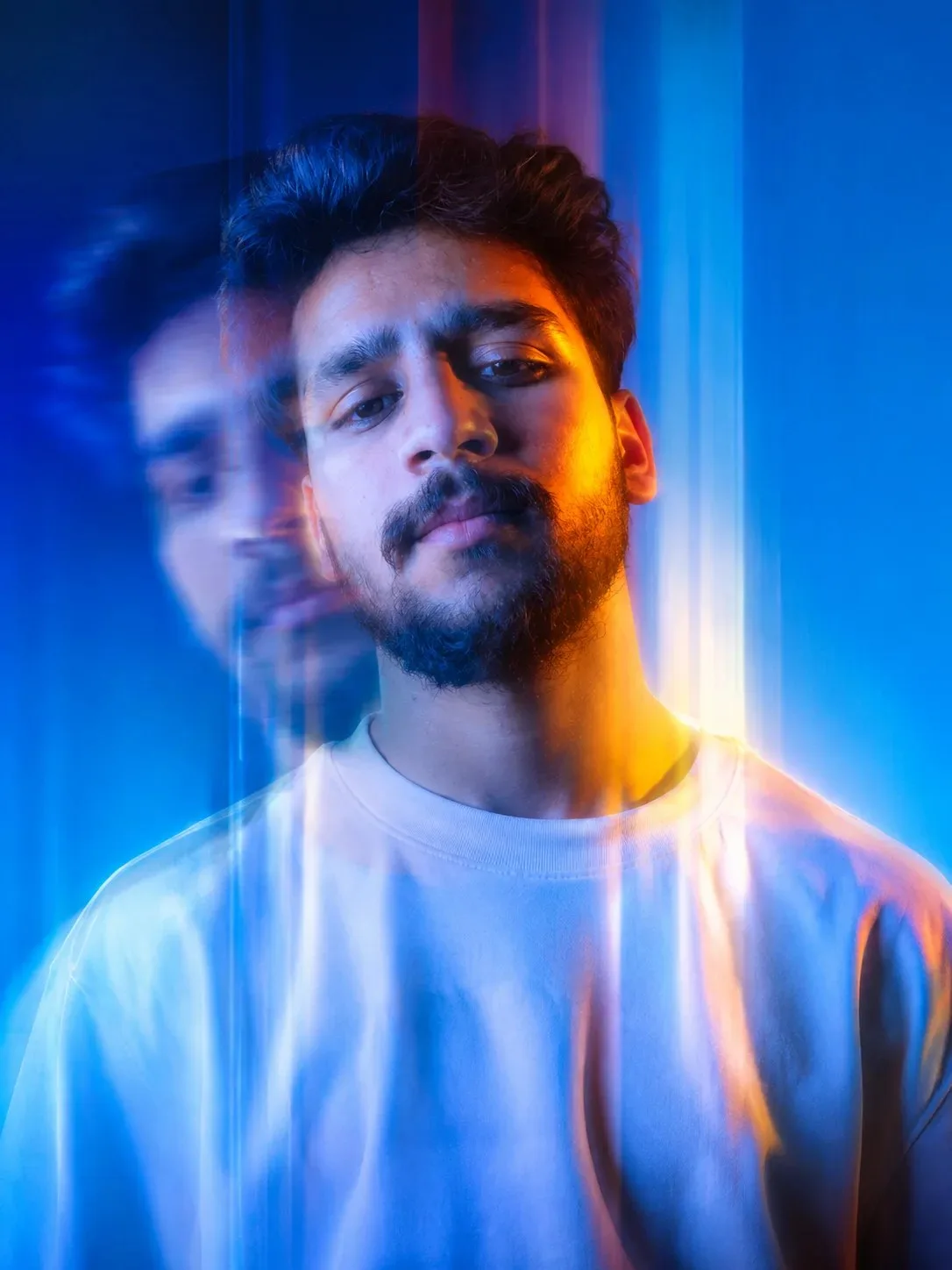
Dreamy Motion Blur Editorial Portrait AI Prompt | Cinematic Blue Gradient Multi-Exposure Photography
In Wallpapers
Exact Prompt Recipe
Scroll to read full
Scroll for more ↓
App: Grok
Ratio: 3:4
0 copies
Related Prompts in Wallpapers
More tested recipes in the same photography genre
ChatGPT
 Gemini
Kuldeep Meena
Wallpapers
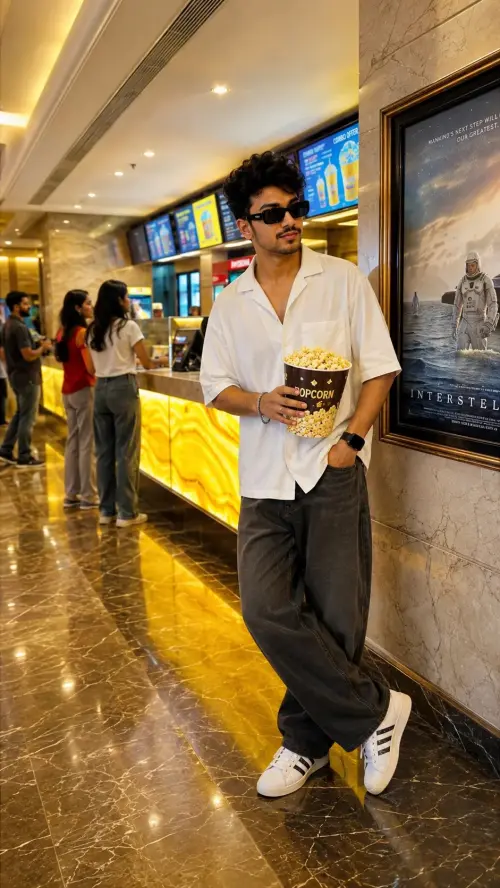 ChatGPT
Cinema Popcorn Style Portrait
Wallpapers
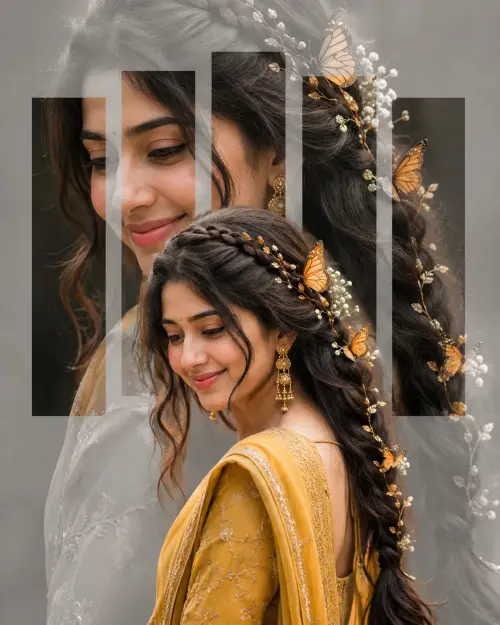
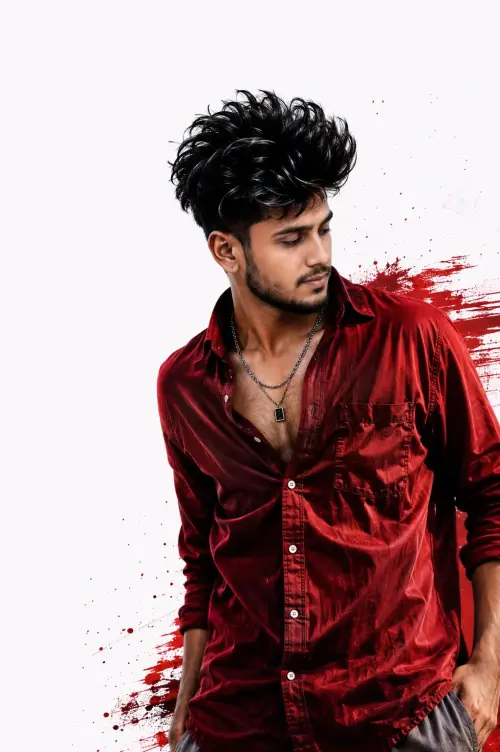 ChatGPT
Crimson Red Cinematic Portrait
Wallpapers
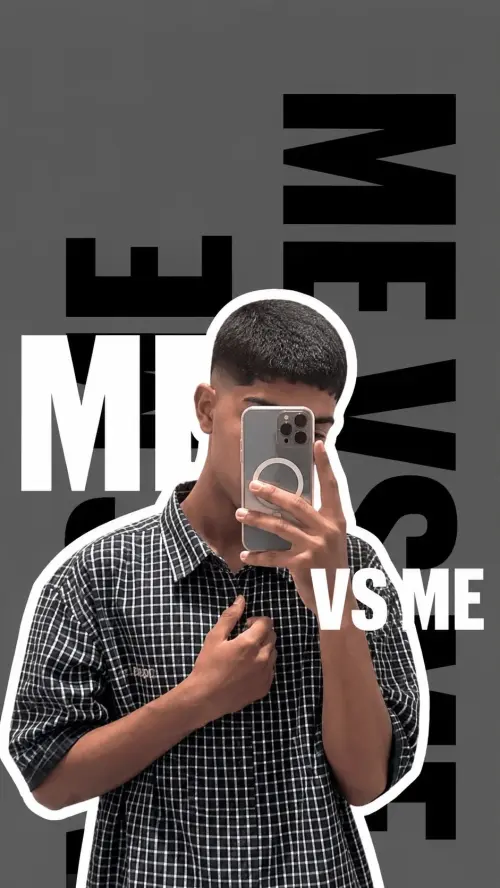 Grok
DP for boys
Wallpapers
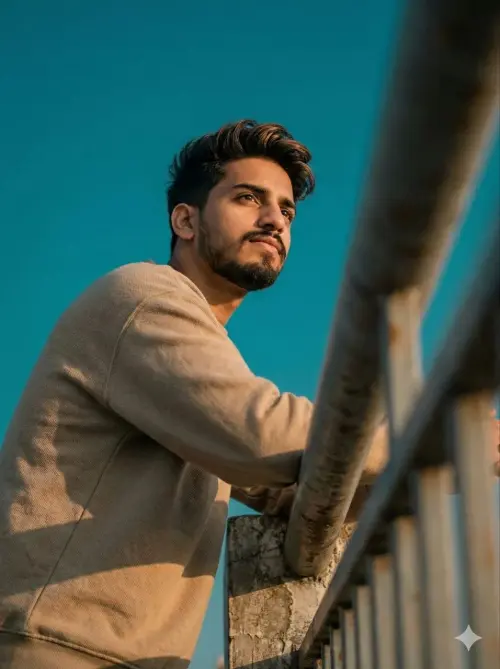 Gemini
Viral Low Angle Portrait
Wallpapers
Photo Reproduction Guide
How to Recreate This Photo in Grok
Follow this quick 4-step workflow to generate an identical visual style using the exact parameters tested for Dreamy Motion Blur Editorial Portrait AI Prompt | Cinematic Blue Gradient Multi-Exposure Photography.
1
Copy the Recipe
Click the Copy Full Prompt button above. All key descriptors, lighting commands, and lens tags are copied directly to your clipboard.
2
Open Grok
Open your AI app (ChatGPT, Gemini, Meta AI, Grok, or Bing). Ensure you are in photo generation mode.
3
Set Canvas Ratio
Set the aspect ratio to 3:4 for matching composition.
4
Paste & Generate
Paste the prompt. Swap the subject details if you want a custom face while preserving identical lighting.