1 Copy the prompt
2 Open ChatGPT / Gemini / Grok / Meta AI
3 Upload your photo and paste
Aesthetic Pose Ideas — Grok AI Photography Prompt Recipe on Faymas
Grok 9:16
By Nisha Agarwal

Aesthetic Pose Ideas

Exact Prompt Recipe Scroll to read full
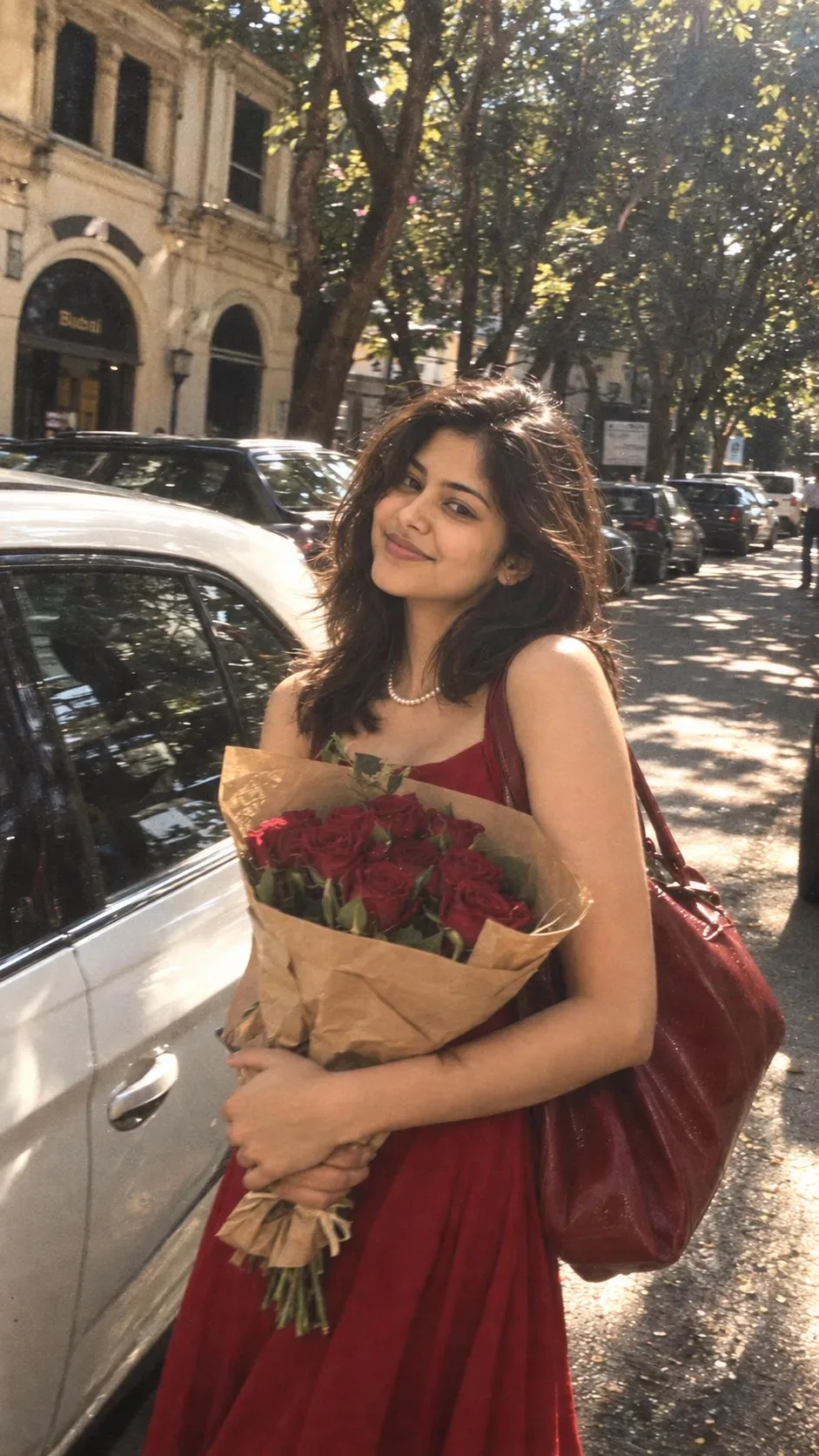
Use the reference image to preserve the woman’s exact facial identity, facial features, skin tone and natural appearance. Ultra-realistic candid street photograph, vertical 9:16. Young South Asian woman with short shoulder-length dark brown hair, wearing a sleeveless red dress, delicate pearl necklace, and carrying a large red leather shoulder bag.She stands beside a parked white car, body slightly turned toward the camera, shoulders relaxed, holding a bouquet of deep red roses wrapped in brown kraft paper at waist level. Face fully visible and unobstructed, looking directly at the camera with a soft joyful smile, eyes naturally open.Tree-lined city street, old building arches and parked cars in background, bright midday sunlight, beautiful dappled shadows, dreamy glow, subtle motion blur in background only, realistic film grain, soft vintage colors, candid photography, natural skin texture, imperfect focus, no beauty filter, no AI look.
Scroll for more ↓
App: Grok Ratio: 9:16 0 copies

Related Prompts in Wallpapers

More tested recipes in the same photography genre

View all →
Photo Reproduction Guide

How to Recreate This Photo in Grok

Follow this quick 4-step workflow to generate an identical visual style using the exact parameters tested for Aesthetic Pose Ideas.

1

Copy the Recipe

Click the Copy Full Prompt button above. All key descriptors, lighting commands, and lens tags are copied directly to your clipboard.

2

Open Grok

Open your AI app (ChatGPT, Gemini, Meta AI, Grok, or Bing). Ensure you are in photo generation mode.

3

Set Canvas Ratio

Set the aspect ratio to 9:16 for matching composition.

4

Paste & Generate

Paste the prompt. Swap the subject details if you want a custom face while preserving identical lighting.
✓