Back to All Prompts
ChatGPT • 1:1
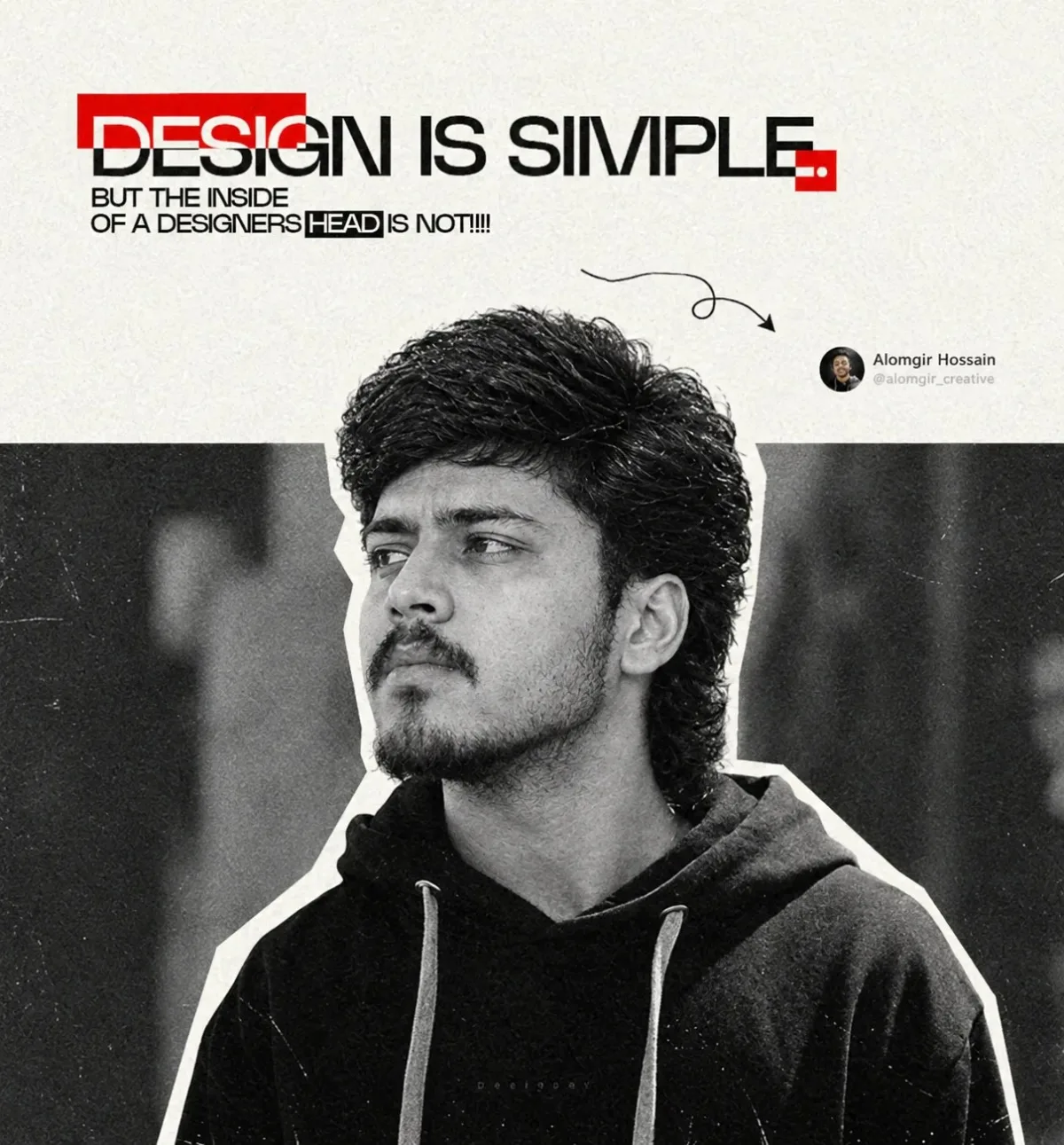
Design Is Simple — The Designer’s Mind Is Not — ChatGPT AI Photography Prompt Recipe on Faymas
Poster Design by Alex Rivera

Design Is Simple — The Designer’s Mind Is Not

Exact Prompt Recipe Scroll to read more
Create a high-end editorial graphic poster inspired by modern graphic design culture. Use a monochrome black-and-white portrait of a young man wearing a dark oversized hoodie, with textured slightly messy hair, subtle facial hair, and a serious thoughtful expression. Position him in a three-quarter profile, looking toward the left, with strong facial definition and realistic skin texture. Use a minimal off-white paper background with subtle grain and vintage print texture. Place the portrait centrally in the lower portion, surrounded by a bold white torn-paper cutout outline, creating a collage/poster effect. Behind the subject, add a dark rectangular architectural or studio background with soft blurred vertical shapes. At the top, create bold experimental typography reading: “DESIGN IS SIMPLE.” Use large black uppercase condensed typography, partially overlapping a red rectangular graphic block. Underneath, add smaller black text: “BUT THE INSIDE OF A DESIGNER’S HEAD IS NOT!!!” Use a modern Swiss/Brutalist editorial design aesthetic, strong typographic hierarchy, asymmetrical composition, red-and-black accent elements, hand-drawn curved arrow pointing toward the subject, subtle geometric details, tiny signature/profile-style element on the right, paper grain, photocopy texture, distressed print effect, high contrast, sophisticated creative-director portfolio aesthetic. Style: minimalist graphic design, brutalist poster, editorial photography, monochrome portrait, typography-focused layout, vintage print texture, contemporary designer aesthetic, premium Behance-style poster, ultra-detailed, high resolution, 4:5 vertical composition.
Scroll for more
App: ChatGPT Ratio: 1:1

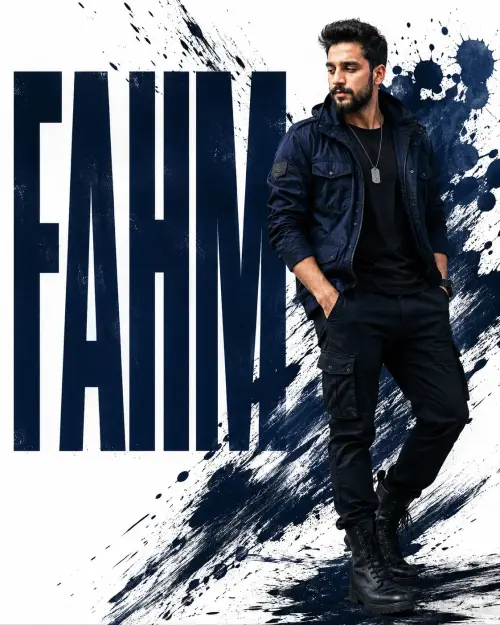
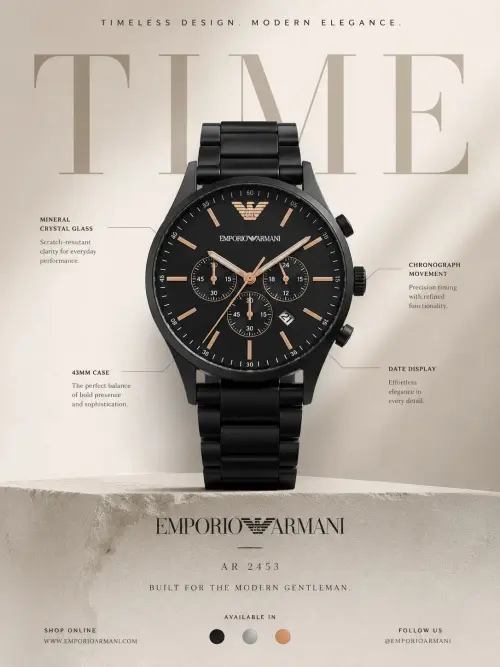
Suggested Prompts

More in Poster Design →
Photo Reproduction Guide

How to Recreate This Photo in ChatGPT

Follow this quick 4-step workflow to generate an identical visual style using the exact parameters tested for Design Is Simple — The Designer’s Mind Is Not.

1

Copy the Recipe

Click the Copy Full Prompt button above. All key descriptors, lighting commands, and lens tags are copied directly to your clipboard.

2

Open ChatGPT

Open your ChatGPT app or web interface (e.g. ChatGPT chat, Bing Image Creator prompt bar, or Midjourney Discord).

3

Set 1:1 Ratio

Set your canvas size to 1:1. This gives you the natural composition shown above.

4

Customize Subject

Want your own face or a different subject? Simply change the character description or hair/clothing while keeping the lighting and camera tokens intact!


Pro Tip: To maintain this exact lighting in ChatGPT, keep the camera, aperture, and lighting keywords unmodified.
✓