Back to All Prompts
ChatGPT • 9:16
Viral Instagram Prompt — ChatGPT AI Photography Prompt Recipe on Faymas
Social Media by Alex Rivera

Viral Instagram Prompt

Exact Prompt Recipe Scroll to read more
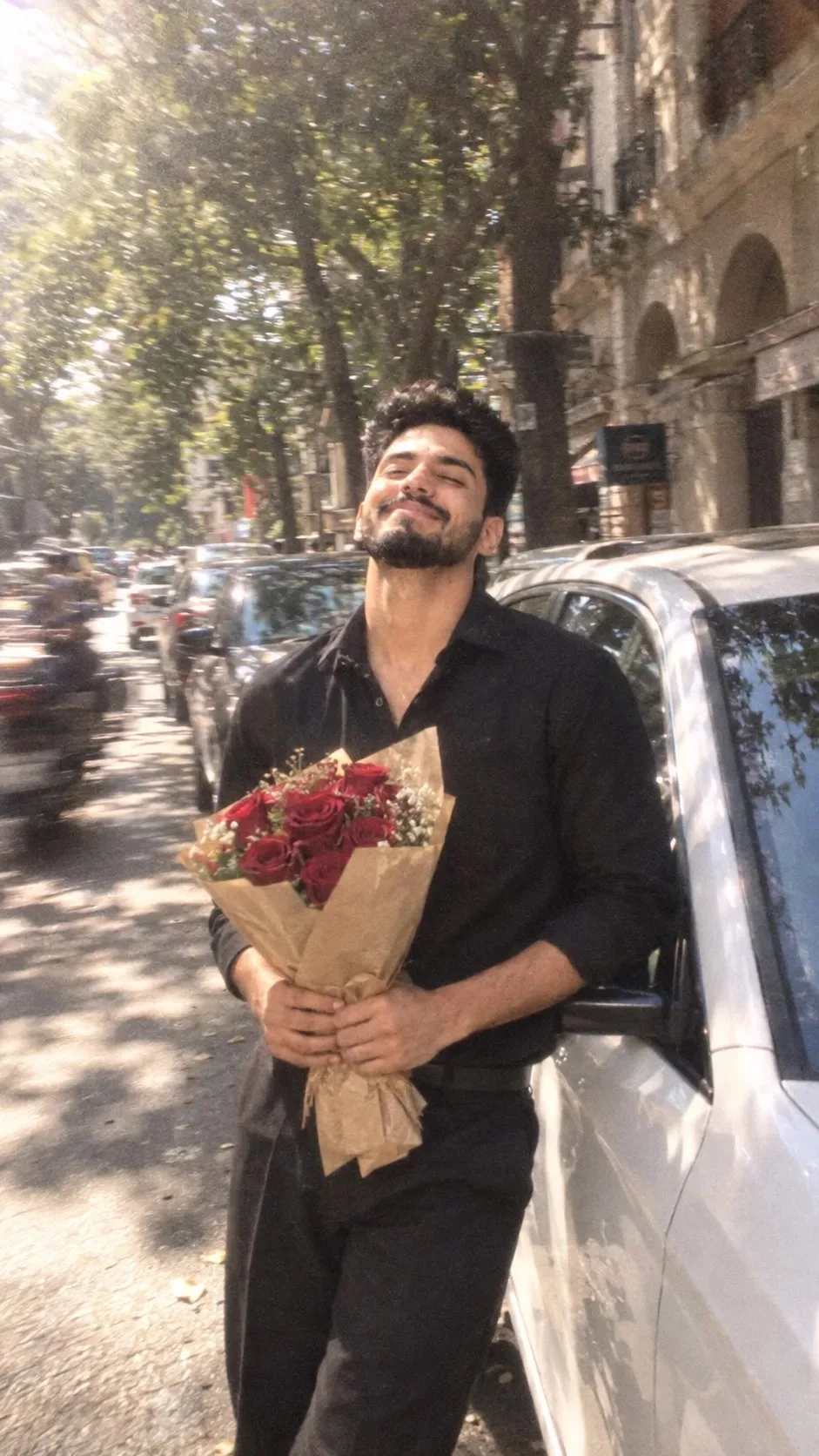
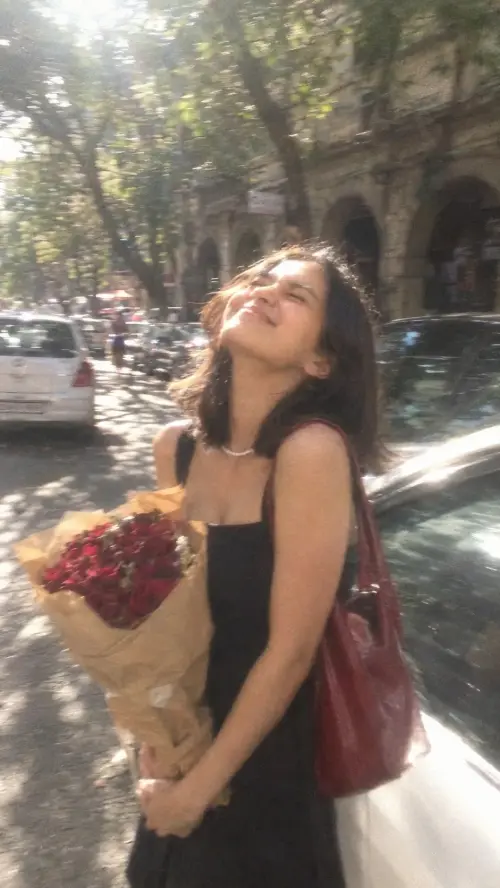
Ultra realistic candid street photo, vertical 9:16 of uploaded pic person, natural youthful face, same hair, black realistic shirt and formal pant outfit. He holds a bouquet of deep red roses wrapped in brown kraft paper with both hands.Exact pose: standing beside a parked white car, body leaning slightly back, head tilted far backward, face lifted toward sunlight, eyes tightly closed, broad joyful closed-mouth smile, carefree laughing expression. Busy tree-lined city street, parked cars and old building arches in the background.Bright midday sunlight, dappled shadows, dreamy glowing highlights, soft overexposure, heavy motion blur, lens softness, smeared edges, low-resolution digital camera texture, intense film grain, faded muted colors, bloom, hazy glow, imperfect focus, candid snapshot realism, no beauty filter, no AI look.
Scroll for more
App: ChatGPT Ratio: 9:16

Suggested Prompts

More in Social Media →
Photo Reproduction Guide

How to Recreate This Photo in ChatGPT

Follow this quick 4-step workflow to generate an identical visual style using the exact parameters tested for Viral Instagram Prompt.

1

Copy the Recipe

Click the Copy Full Prompt button above. All key descriptors, lighting commands, and lens tags are copied directly to your clipboard.

2

Open ChatGPT

Open your ChatGPT app or web interface (e.g. ChatGPT chat, Bing Image Creator prompt bar, or Midjourney Discord).

3

Set 9:16 Ratio

Set your canvas size to 9:16. This gives you the natural composition shown above.

4

Customize Subject

Want your own face or a different subject? Simply change the character description or hair/clothing while keeping the lighting and camera tokens intact!

Pro Tip: To maintain this exact lighting in ChatGPT, keep the camera, aperture, and lighting keywords unmodified.
✓