 Gemini
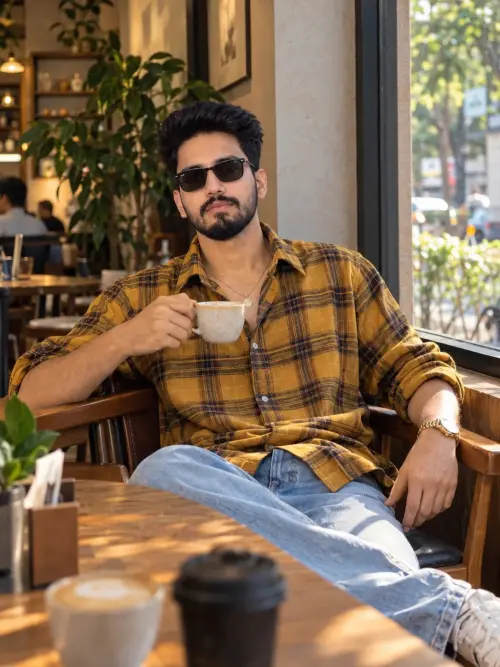
Cafe Portrait Prompt
Food & Drink
 Gemini
Food & Drink
 Gemini
Fun & Memes
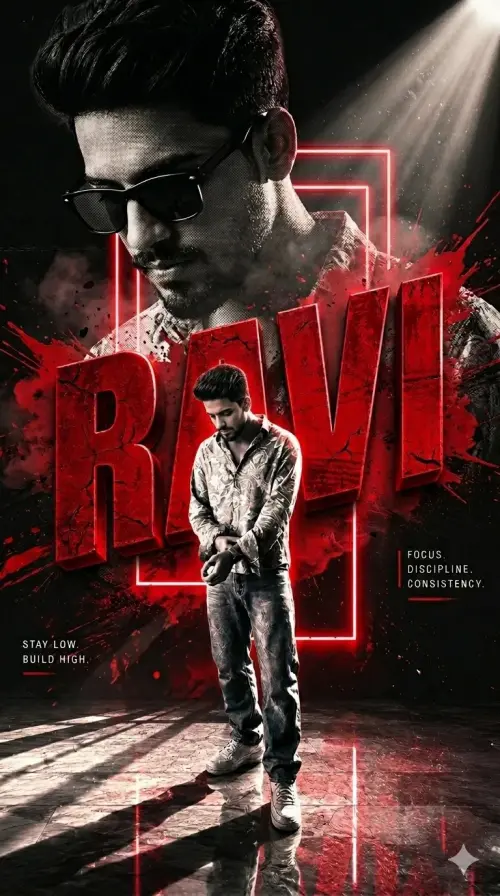 Gemini
Illustration & 3D
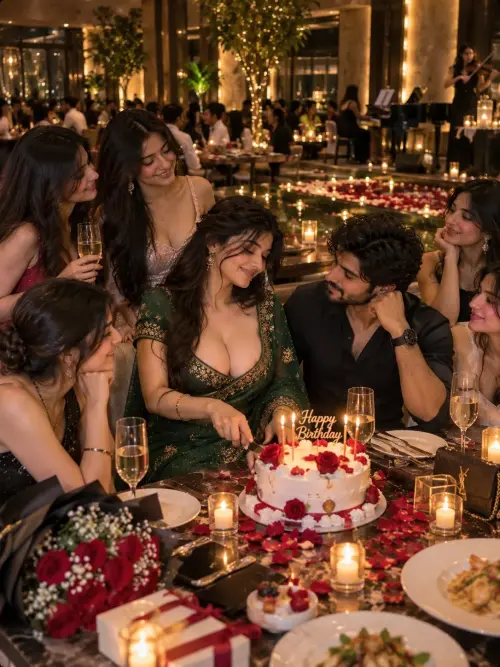 Gemini
Food & Drink
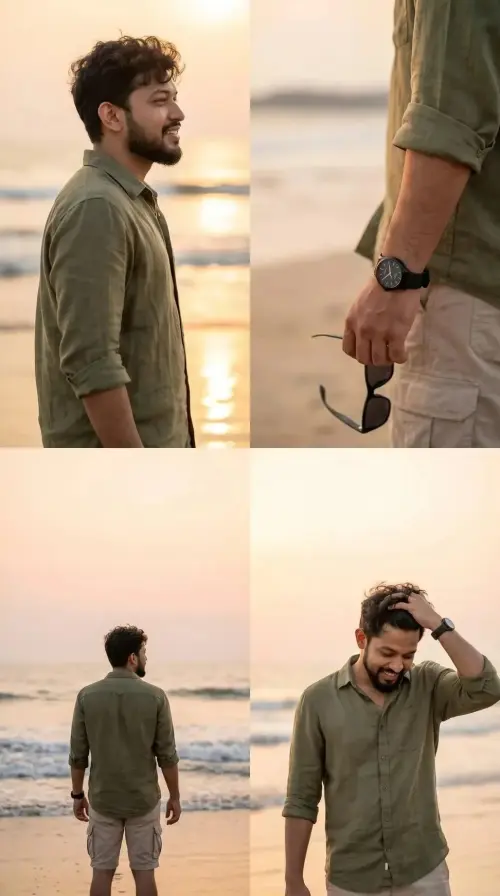 Gemini
Fun & Memes
Follow this quick 4-step workflow to generate an identical visual style using the exact parameters tested for Sameer.
Click the Copy Full Prompt button above. All key descriptors, lighting commands, and lens tags are copied directly to your clipboard.
Open your Gemini app or web interface (e.g. ChatGPT chat, Bing Image Creator prompt bar, or Midjourney Discord).
Set your canvas size to 3:4. This gives you the natural composition shown above.
Want your own face or a different subject? Simply change the character description or hair/clothing while keeping the lighting and camera tokens intact!