Back to All Prompts
ChatGPT • 2:3
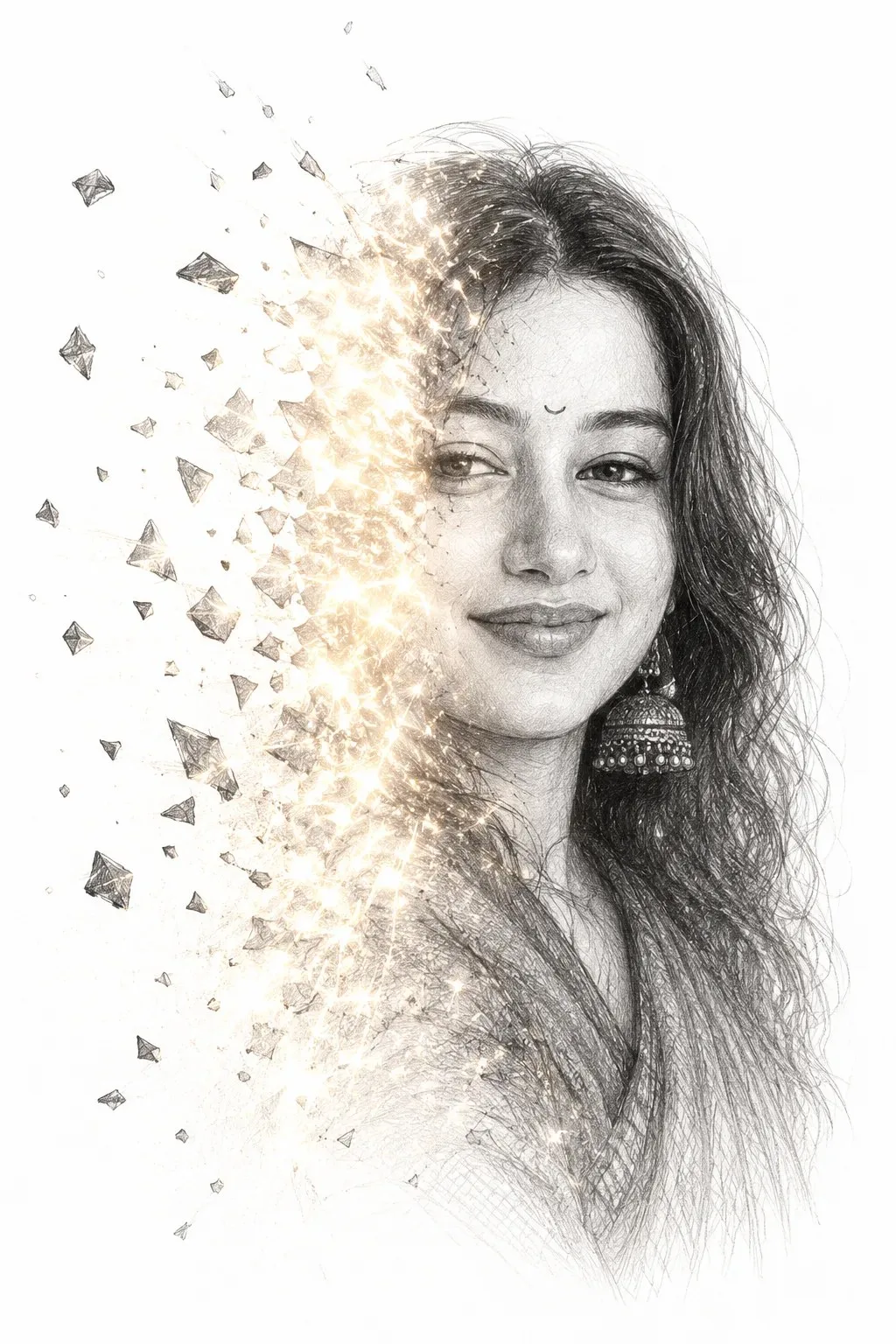
Dissolving Light — ChatGPT AI Photography Prompt Recipe on Faymas
Illustration & 3D by Alex Rivera

Dissolving Light

Exact Prompt Recipe Scroll to read more
### IMPORTANT IDENTITY INSTRUCTION Use the **uploaded person as the main subject**. Preserve the person's: - Exact facial identity - Face shape and proportions - Eyes, nose, lips, jawline, cheekbones - Skin tone - Hair style, hair texture, and hairline - Facial hair, if present - Earrings/accessories, if visible - Distinctive facial characteristics **Do not turn the person into the reference model.** The reference image is used ONLY for the graphic design, collage composition, lighting treatment, textures, typography, and artistic direction. The final artwork must clearly look like the **same person from the uploaded photo** A detailed artistic drawing of a human face on a white background, facing forward. The face appears to be breaking apart into floating fragments. The left side of the face is made entirely of shimmering light glowing particles, reflections, and rays as if dissolving into brightness. The right side remains realistic, softly shaded, showing calm facial features. The composition is elegant, emotional, and minimalist, with high contrast between light and form.
Scroll for more
App: ChatGPT Ratio: 2:3
Photo Reproduction Guide

How to Recreate This Photo in ChatGPT

Follow this quick 4-step workflow to generate an identical visual style using the exact parameters tested for Dissolving Light.

1

Copy the Recipe

Click the Copy Full Prompt button above. All key descriptors, lighting commands, and lens tags are copied directly to your clipboard.

2

Open ChatGPT

Open your ChatGPT app or web interface (e.g. ChatGPT chat, Bing Image Creator prompt bar, or Midjourney Discord).

3

Set 2:3 Ratio

Set your canvas size to 2:3. This gives you the natural composition shown above.

4

Customize Subject

Want your own face or a different subject? Simply change the character description or hair/clothing while keeping the lighting and camera tokens intact!

Pro Tip: To maintain this exact lighting in ChatGPT, keep the camera, aperture, and lighting keywords unmodified.
✓