Back to All Prompts
ChatGPT • 2:3
Create an image based on the following guidelines — ChatGPT AI Photography Prompt Recipe on Faymas
Presentation by Alex Rivera

Create an image based on the following guidelines

Exact Prompt Recipe Scroll to read more
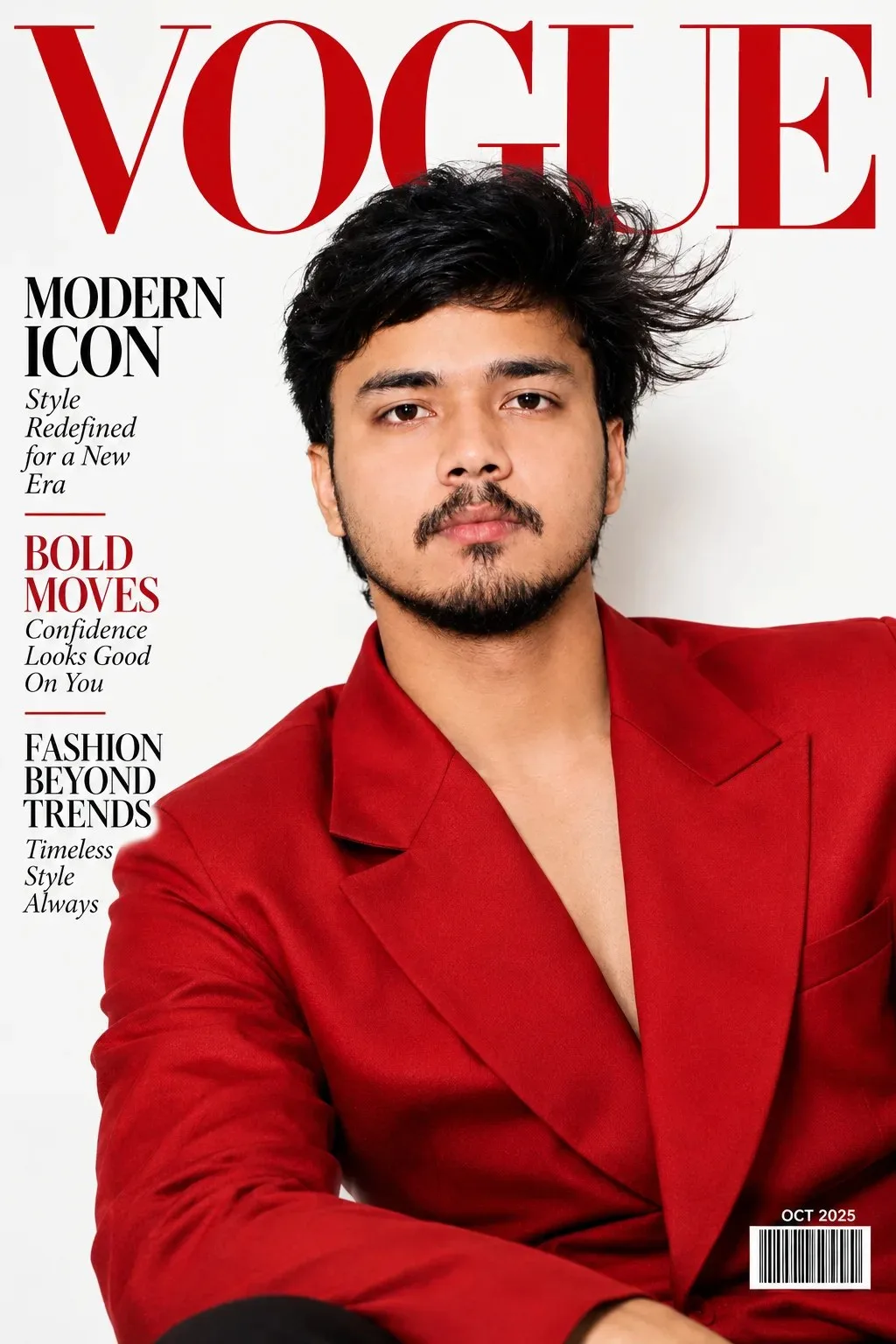
Create an image based on the following guidelines: a glossy modern fashion magazine cover mockup in vertical portrait orientation. A confident model with wind-swept hair and bold makeup wearing a structured red blazer against a clean white background. Large elegant serif masthead at the top, bold cover lines along the left edge, barcode and issue date at the bottom right. High-end editorial photography, dramatic studio lighting, magazine print finish, no readable small text.
Scroll for more
App: ChatGPT Ratio: 2:3

Suggested Prompts

More in Presentation →
Photo Reproduction Guide

How to Recreate This Photo in ChatGPT

Follow this quick 4-step workflow to generate an identical visual style using the exact parameters tested for Create an image based on the following guidelines.

1

Copy the Recipe

Click the Copy Full Prompt button above. All key descriptors, lighting commands, and lens tags are copied directly to your clipboard.

2

Open ChatGPT

Open your ChatGPT app or web interface (e.g. ChatGPT chat, Bing Image Creator prompt bar, or Midjourney Discord).

3

Set 2:3 Ratio

Set your canvas size to 2:3. This gives you the natural composition shown above.

4

Customize Subject

Want your own face or a different subject? Simply change the character description or hair/clothing while keeping the lighting and camera tokens intact!

Pro Tip: To maintain this exact lighting in ChatGPT, keep the camera, aperture, and lighting keywords unmodified.
✓