 ChatGPT
Meta AI
9:16
By Khurram Shahzad
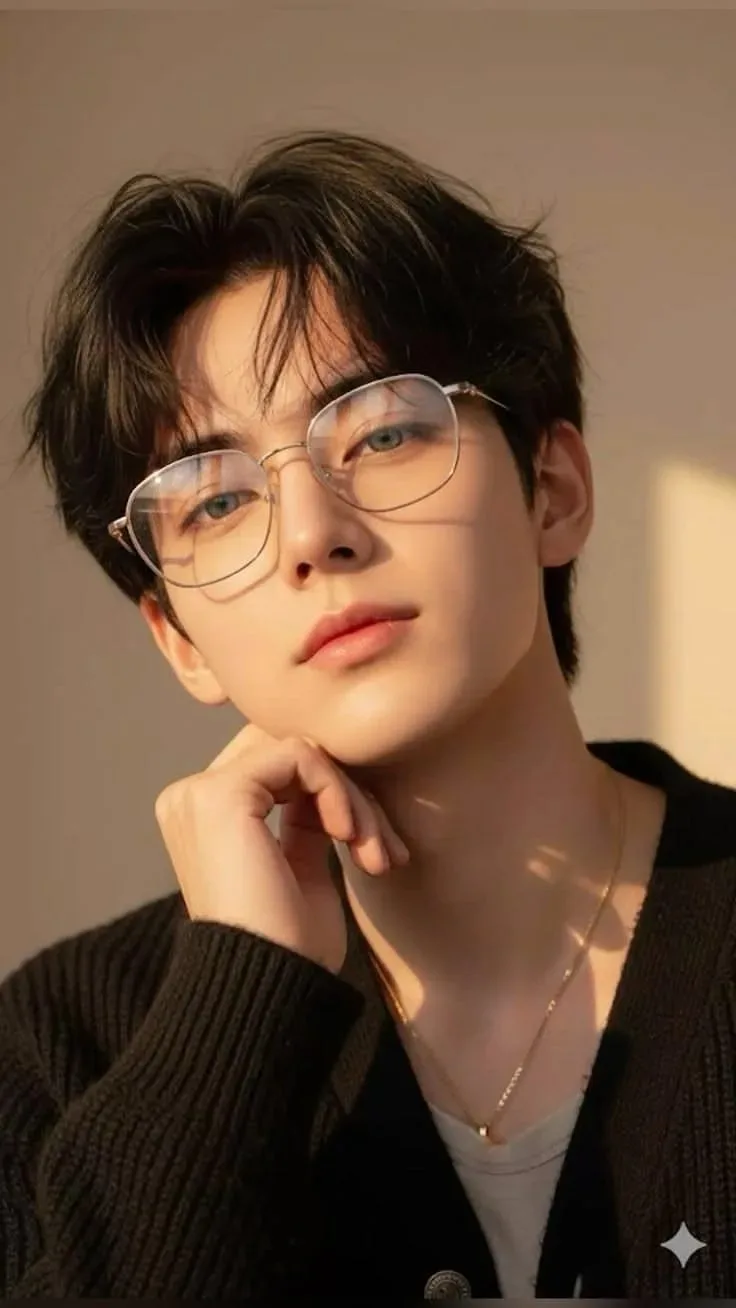
boy portrait with glasses
In Wallpapers
Exact Prompt Recipe
Scroll to read full
Scroll for more ↓
App: Meta AI
Ratio: 9:16
0 copies
Related Prompts in Wallpapers
More tested recipes in the same photography genre
ChatGPT
 ChatGPT
Vintage Café Mood – Relaxed Side Profile
Wallpapers
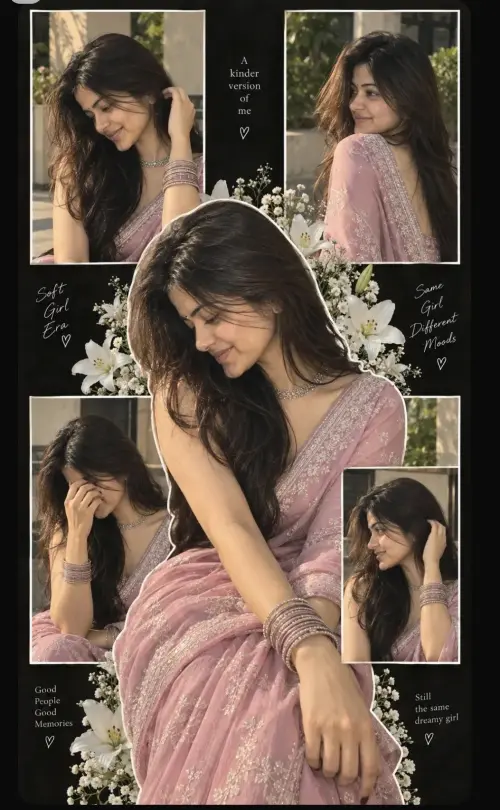 ChatGPT
Five Panel Aesthetic Girls Prompt
Wallpapers
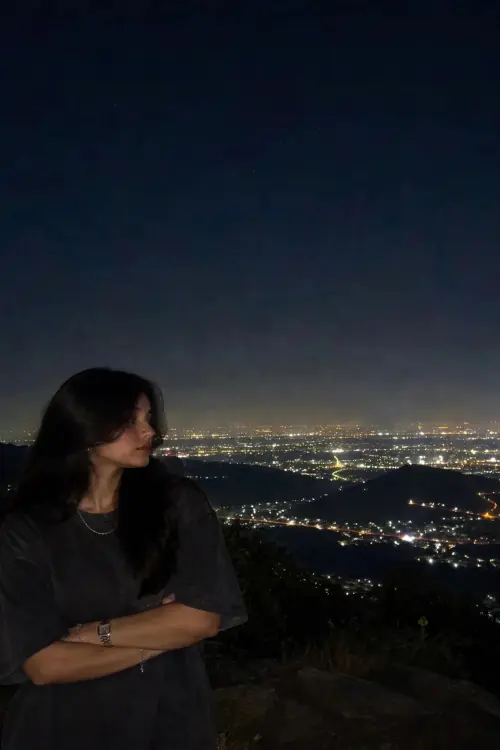 ChatGPT
Aesthetic wallpaper 🖤
Wallpapers
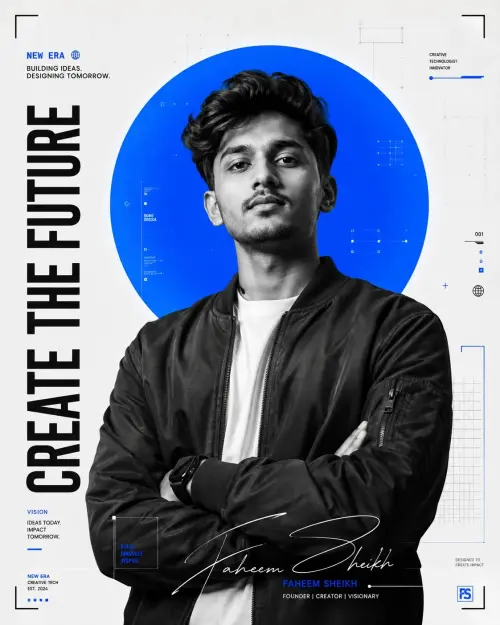
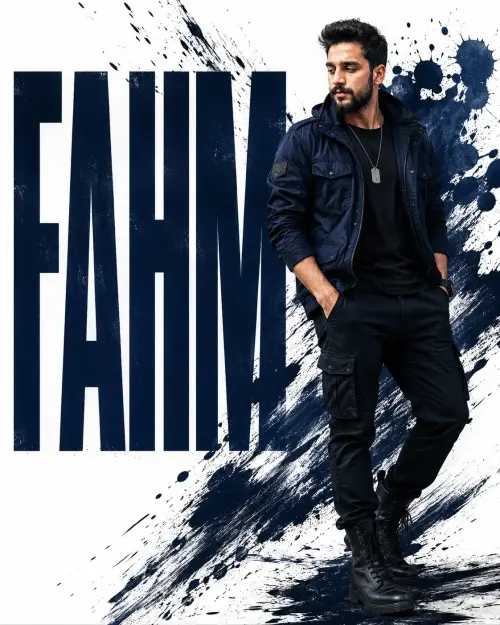 ChatGPT
Fahm: bold in urban style
Wallpapers
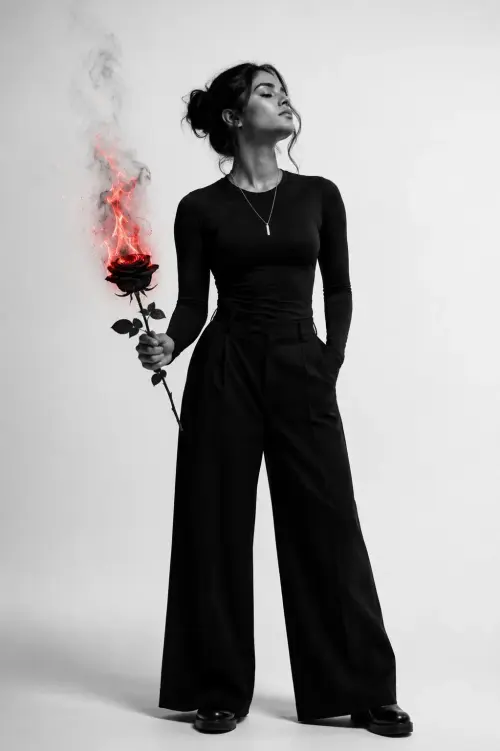 ChatGPT
Black Rose Flame Portrait AI Prompt
Wallpapers
Photo Reproduction Guide
How to Recreate This Photo in Meta AI
Follow this quick 4-step workflow to generate an identical visual style using the exact parameters tested for boy portrait with glasses.
1
Copy the Recipe
Click the Copy Full Prompt button above. All key descriptors, lighting commands, and lens tags are copied directly to your clipboard.
2
Open Meta AI
Open your AI app (ChatGPT, Gemini, Meta AI, Grok, or Bing). Ensure you are in photo generation mode.
3
Set Canvas Ratio
Set the aspect ratio to 9:16 for matching composition.
4
Paste & Generate
Paste the prompt. Swap the subject details if you want a custom face while preserving identical lighting.