1 Copy the prompt
2 Open ChatGPT / Gemini / Grok / Meta AI
3 Upload your photo and paste
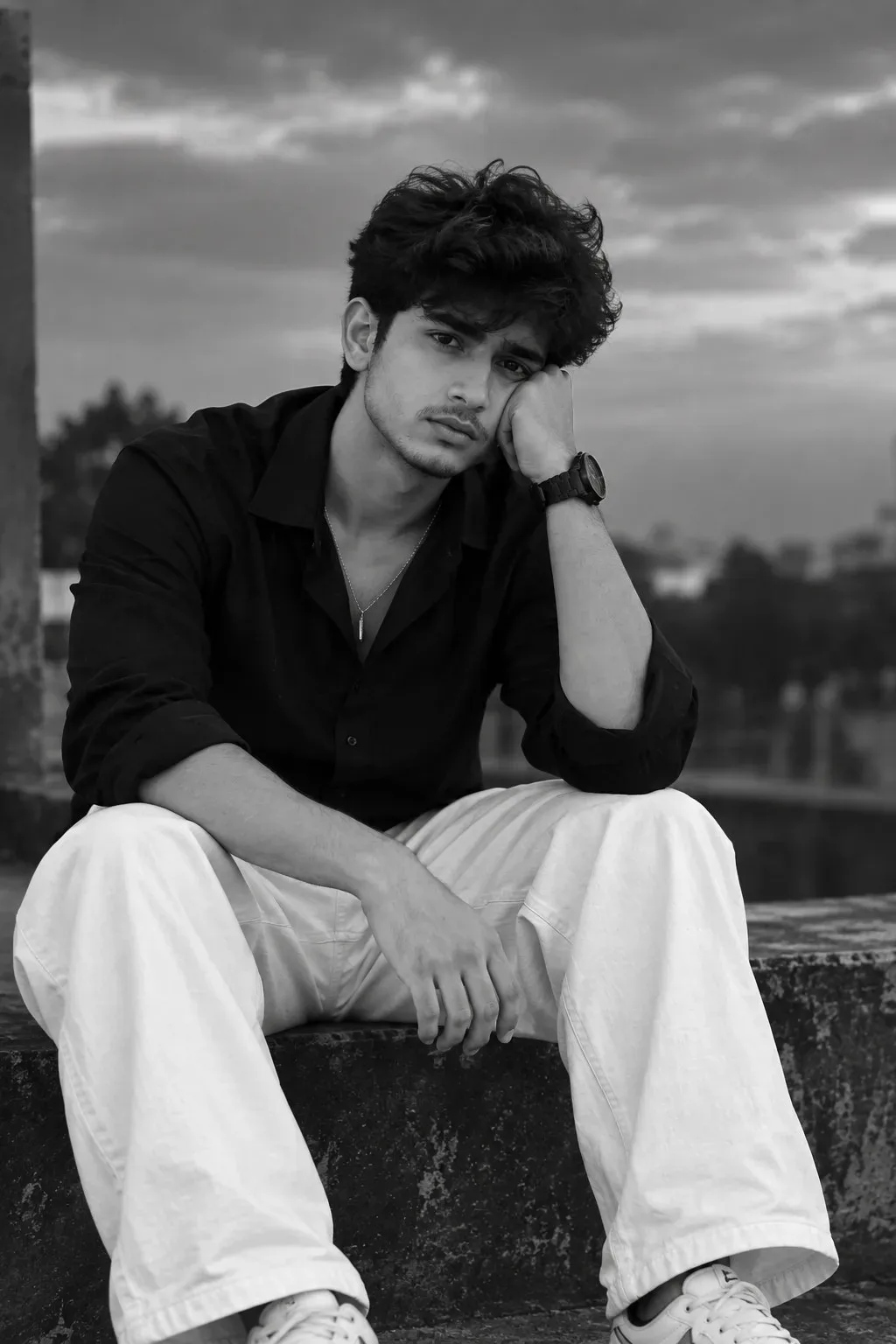
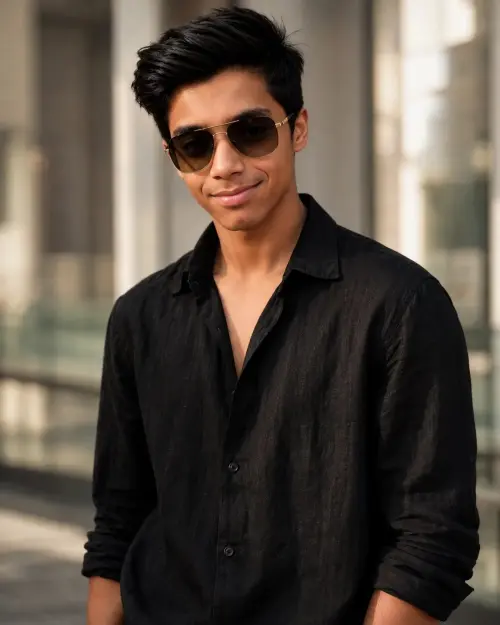
black and white sad picture — Meta AI AI Photography Prompt Recipe on Faymas
Meta AI 2:3
By Roshni Pillai

black and white sad picture

Exact Prompt Recipe Scroll to read full
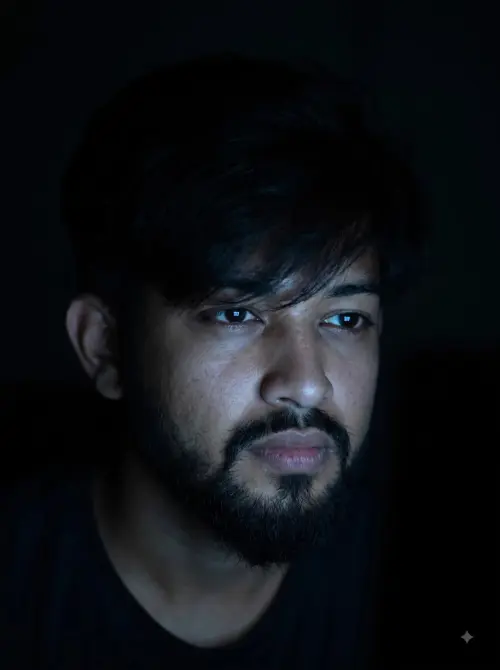
A handsome young South Asian man sitting alone on a rooftop ledge in a sad, emotional mood, **face clearly visible from the front**, looking directly toward the camera with a deep melancholic expression. He is wearing a stylish premium black shirt with sleeves slightly rolled up, elegant white loose-fit trousers, a classic wristwatch, a subtle chain necklace, and clean white sneakers. One hand supports his head while the other rests naturally on his knee. Cinematic black-and-white photography, dramatic cloudy sky, soft natural light, blurred city background, shallow depth of field, realistic skin texture, sharp facial details, professional fashion photography, emotional atmosphere, high contrast grayscale, ultra-realistic, 4K, vertical 9:16 composition.
Scroll for more ↓
App: Meta AI Ratio: 2:3 0 copies

Related Prompts in Wallpapers

More tested recipes in the same photography genre

View all →
Photo Reproduction Guide

How to Recreate This Photo in Meta AI

Follow this quick 4-step workflow to generate an identical visual style using the exact parameters tested for black and white sad picture.

1

Copy the Recipe

Click the Copy Full Prompt button above. All key descriptors, lighting commands, and lens tags are copied directly to your clipboard.

2

Open Meta AI

Open your AI app (ChatGPT, Gemini, Meta AI, Grok, or Bing). Ensure you are in photo generation mode.

3

Set Canvas Ratio

Set the aspect ratio to 2:3 for matching composition.

4

Paste & Generate

Paste the prompt. Swap the subject details if you want a custom face while preserving identical lighting.
✓