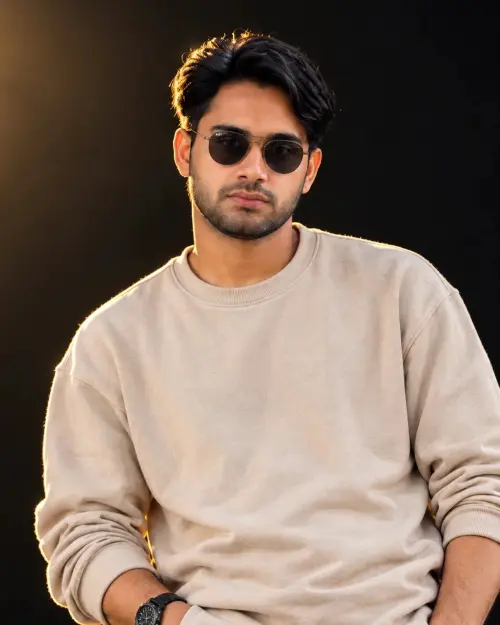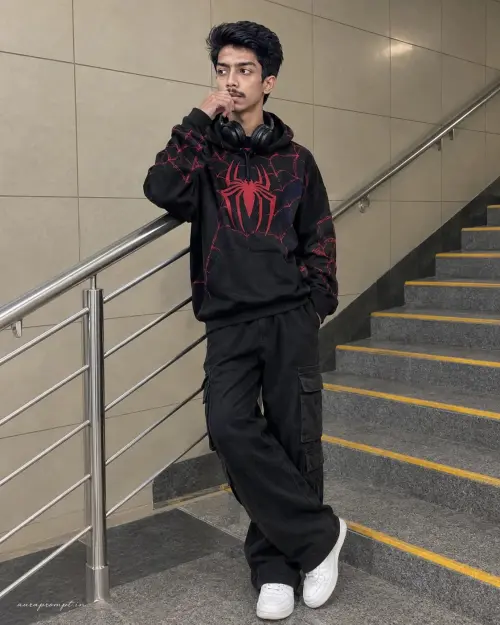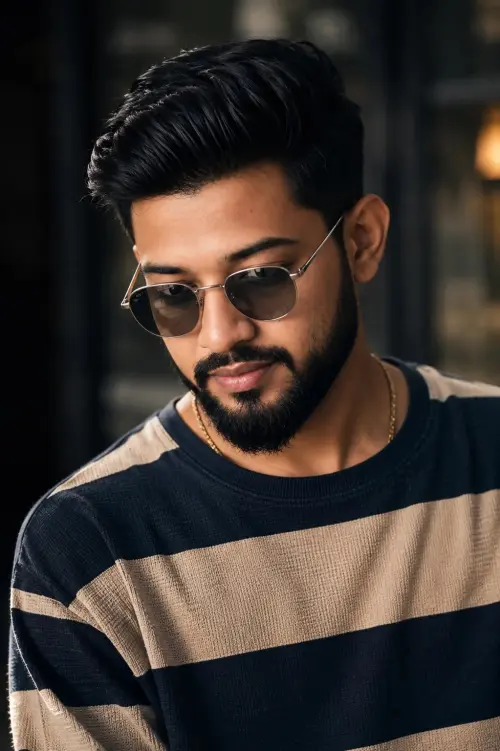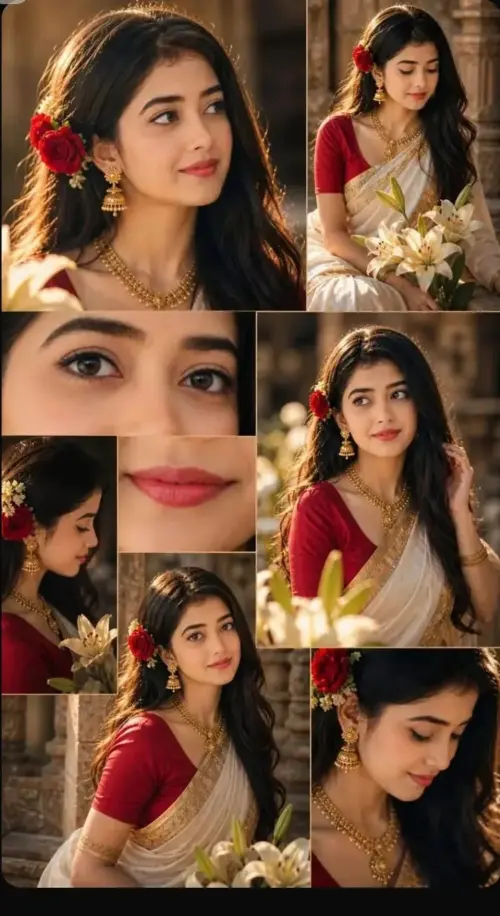
1 Copy the prompt
2 Open ChatGPT / Gemini / Grok / Meta AI
3 Upload your photo and paste
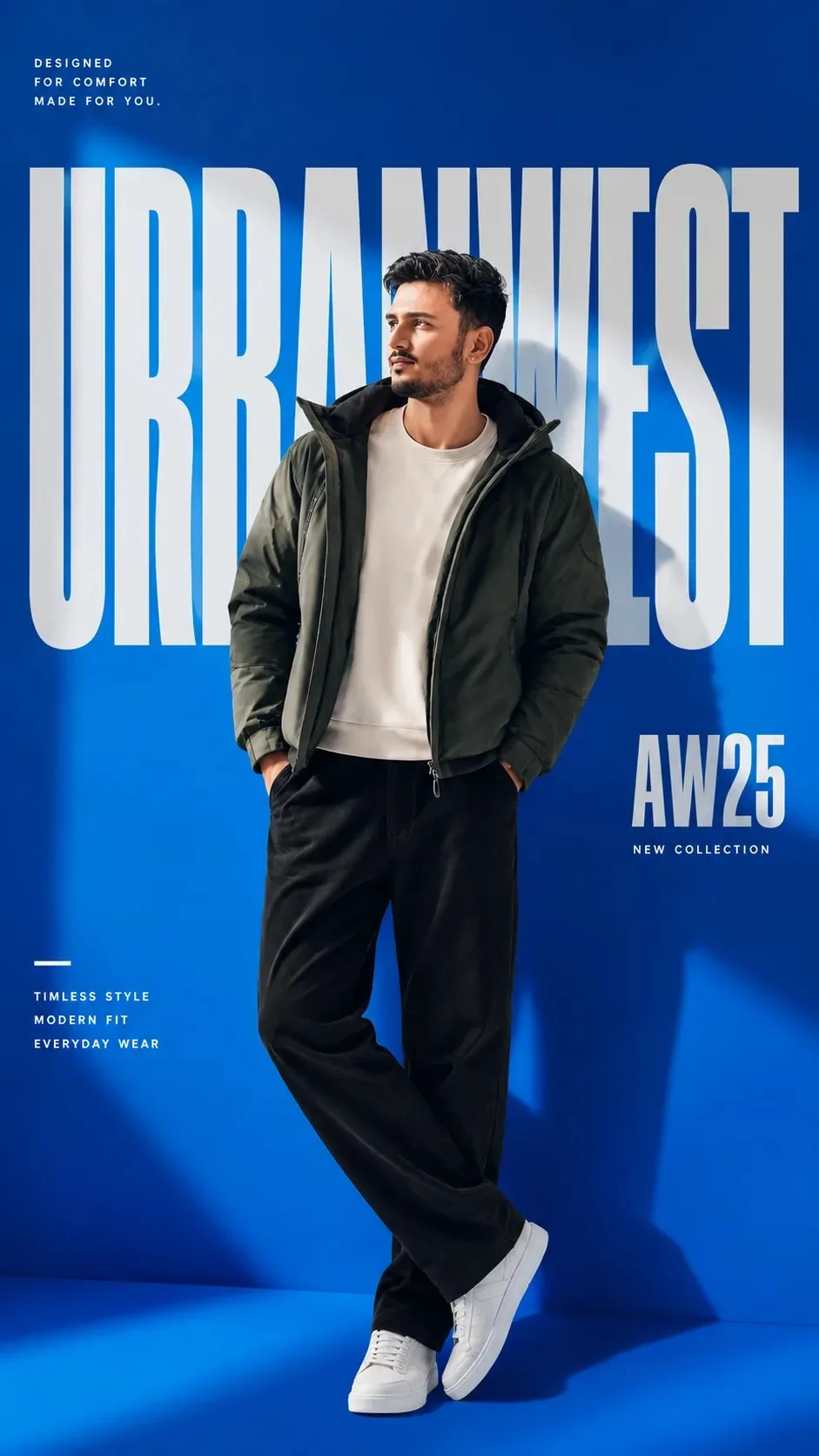
AW25 — Premium Fashion — Meta AI AI Photography Prompt Recipe on Faymas
Meta AI 9:16
By Arjun Mehta

AW25 — Premium Fashion

Exact Prompt Recipe Scroll to read full
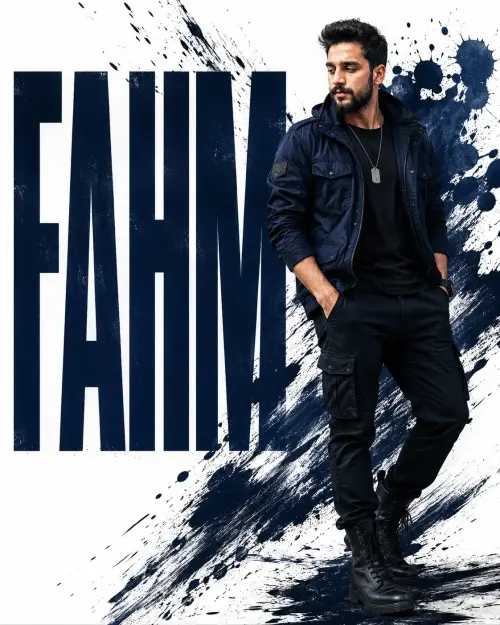
Use the uploaded reference photo as the STRICT VISUAL REFERENCE for the person. Preserve the exact same recognizable face, facial structure, facial proportions, hairstyle, skin tone, beard/stubble pattern, eyes, nose, lips, jawline, and natural facial features. Do not change the person's identity or make him look like someone else. Create an ultra-realistic premium fashion campaign poster in a vertical 9:16 composition. Pose & Composition: Full-body fashion photograph. The same person stands casually with both hands inside the jacket pockets, looking slightly to the side with a confident natural expression. One leg crosses naturally in front of the other. Keep the complete body and both shoes visible. Slightly zoomed-out framing with realistic body proportions. Outfit: Replace the original outfit with a dark olive/charcoal green lightweight hooded puffer jacket, worn open over a clean off-white/cream crew-neck sweatshirt, paired with loose relaxed-fit black trousers and clean white low-top sneakers. Premium realistic fabric texture, natural folds and authentic clothing details. Background: Replace the original outdoor background with a vivid electric-blue studio gradient background. Add subtle atmospheric blue light, soft geometric shadows and a polished commercial studio environment. Typography & Design: Add large oversized white editorial typography behind the person, partially hidden by the model. Use a fictional brand name such as “URBANWEST” rather than any real-world brand or logo. Add clean generic campaign text such as: AW25 NEW COLLECTION TIMELESS STYLE MODERN FIT EVERYDAY WEAR Keep the typography elegant, minimal and similar to a premium Asian streetwear fashion campaign, but do not copy any real company's logo, trademark, or branding. Lighting & Photography: Soft professional studio lighting, subtle blue rim light, realistic shadows, natural skin texture, detailed hair strands, realistic fabric texture, cinematic depth, crisp subject separation, premium commercial fashion photography, sophisticated color grading, photorealistic, high detail, 4K quality.
Scroll for more ↓
Negative Prompt:
altered identity, different face, different person, changed facial structure, artificial face, plastic skin, cartoon, anime, CGI, distorted anatomy, extra fingers, malformed hands, duplicate limbs, warped shoes, unrealistic clothing, excessive blur, oversharpening, low resolution, real brand logos, copyrighted branding, watermark.
App: Meta AI Ratio: 9:16 0 copies

Related Prompts in Wallpapers

More tested recipes in the same photography genre

View all →
Photo Reproduction Guide

How to Recreate This Photo in Meta AI

Follow this quick 4-step workflow to generate an identical visual style using the exact parameters tested for AW25 — Premium Fashion.

1

Copy the Recipe

Click the Copy Full Prompt button above. All key descriptors, lighting commands, and lens tags are copied directly to your clipboard.

2

Open Meta AI

Open your AI app (ChatGPT, Gemini, Meta AI, Grok, or Bing). Ensure you are in photo generation mode.

3

Set Canvas Ratio

Set the aspect ratio to 9:16 for matching composition.

4

Paste & Generate

Paste the prompt. Swap the subject details if you want a custom face while preserving identical lighting.

✓